

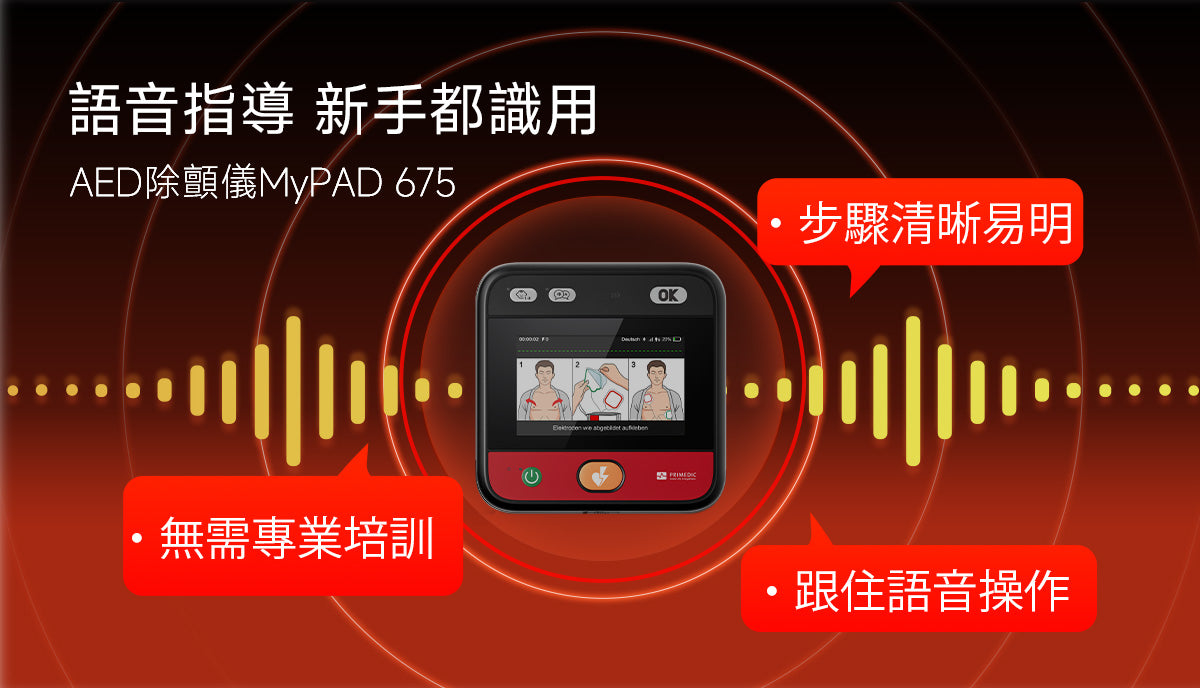
HeartSave myPAD Additional Features and Voice Prompts
Chapter 8 - Additional Device Functions and Voice Guidance
This chapter introduces the additional features of HeartSave myPAD and the voice prompts and graphical guidance that the device provides during treatment.
8 Additional Features
Please refer to the myAED configuration guide for primary care physicians.
Note: To connect your device with the myAED configuration app, a Bluetooth pairing code is required during the connection process. The code is the last 6 digits of your device's serial number.
9. Voice prompts and graphic guidance
The device provides users with voice prompts, graphic or animated guidance (if any) during treatment.


| Program phase | Voice prompts | Graphical guidance |
|---|---|---|
| Patient preparation |
<Apply electrodes as shown>
|
 |
|
Impact transmission CPR |
Do not touch the sick person.
<Analysis of rhythm>
<Delivery Impact Now>
Or <No shock advice>
|
|
|
<Start CPR> <Give 30 chest compressions> or <Perform 15 chest compressions> <Press faster> or <Slower speed> (Only when compression is poor when using a CPR sensor) <Press the lighter> or <Press Harder> (Only when compression is poor when using a CPR sensor) <Give Two Rescue Breaths> |
 |

|
|
|
||


Note: The device's voice prompts and graphical instructions are designed to help users operate the device correctly in emergency situations. Please listen carefully to the voice prompts and follow the on-screen instructions.


Leave a comment
This site is protected by hCaptcha and the hCaptcha Privacy Policy and Terms of Service apply.