



The best choice for home healthcare - HeartSave myPAD series
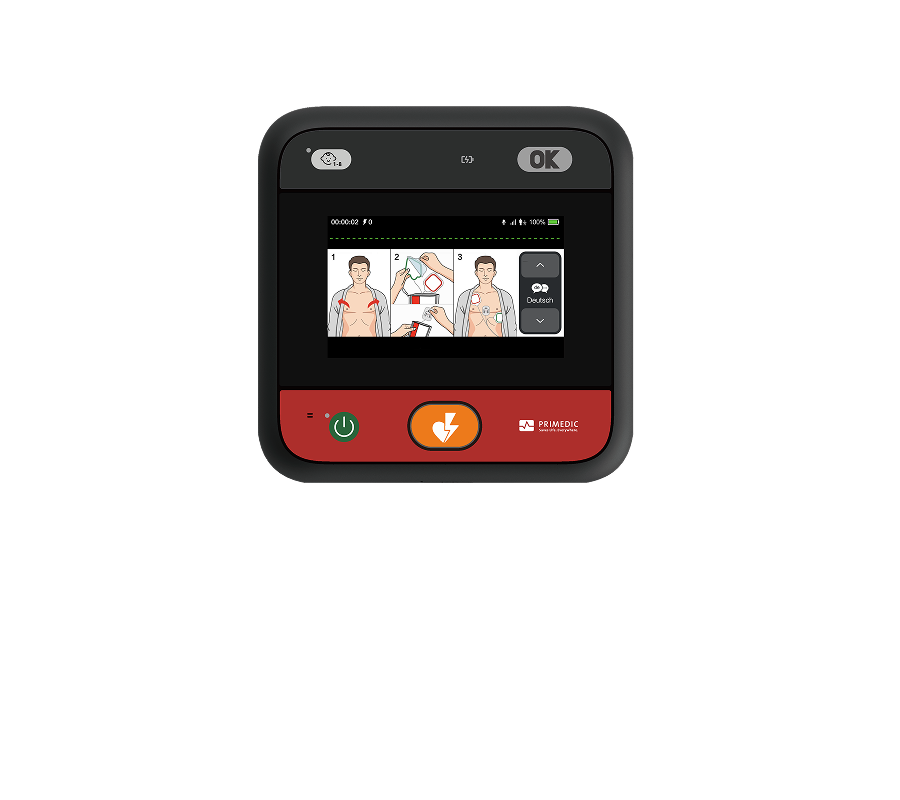
HeartSave myPAD series in home healthcare solutions: Your Family's Heartbeat Guardian.Designed for Everyone
HeartSave myPAD Series
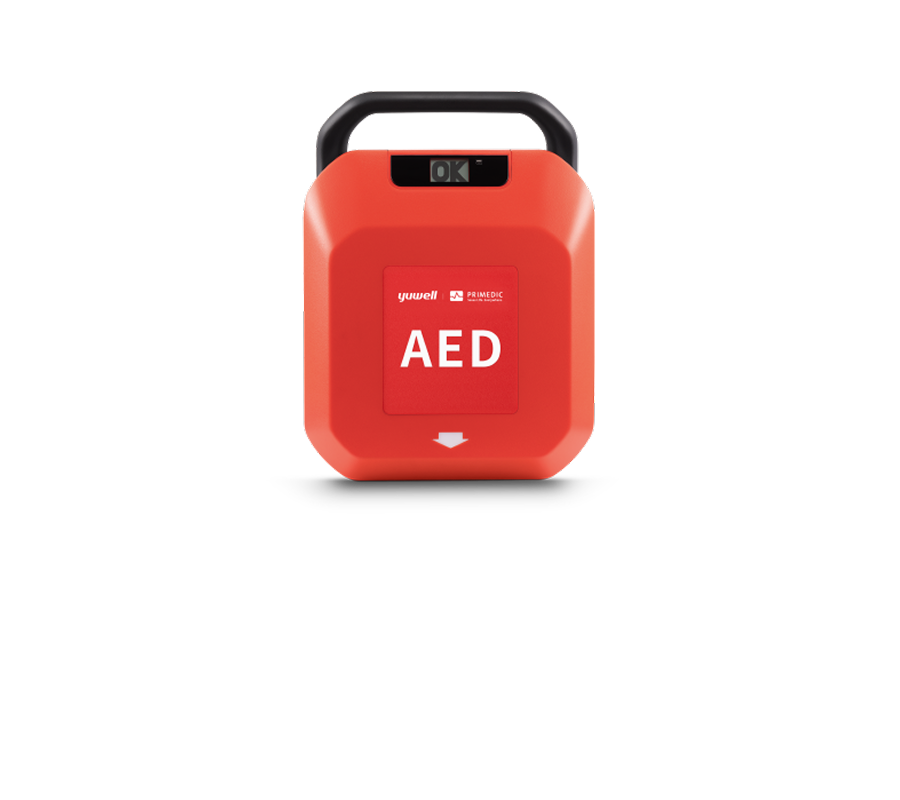
The First Choice - HeartSave Y Series
Intuitive design for large-scale venues.Empowering anyone to deliver efficient aid.
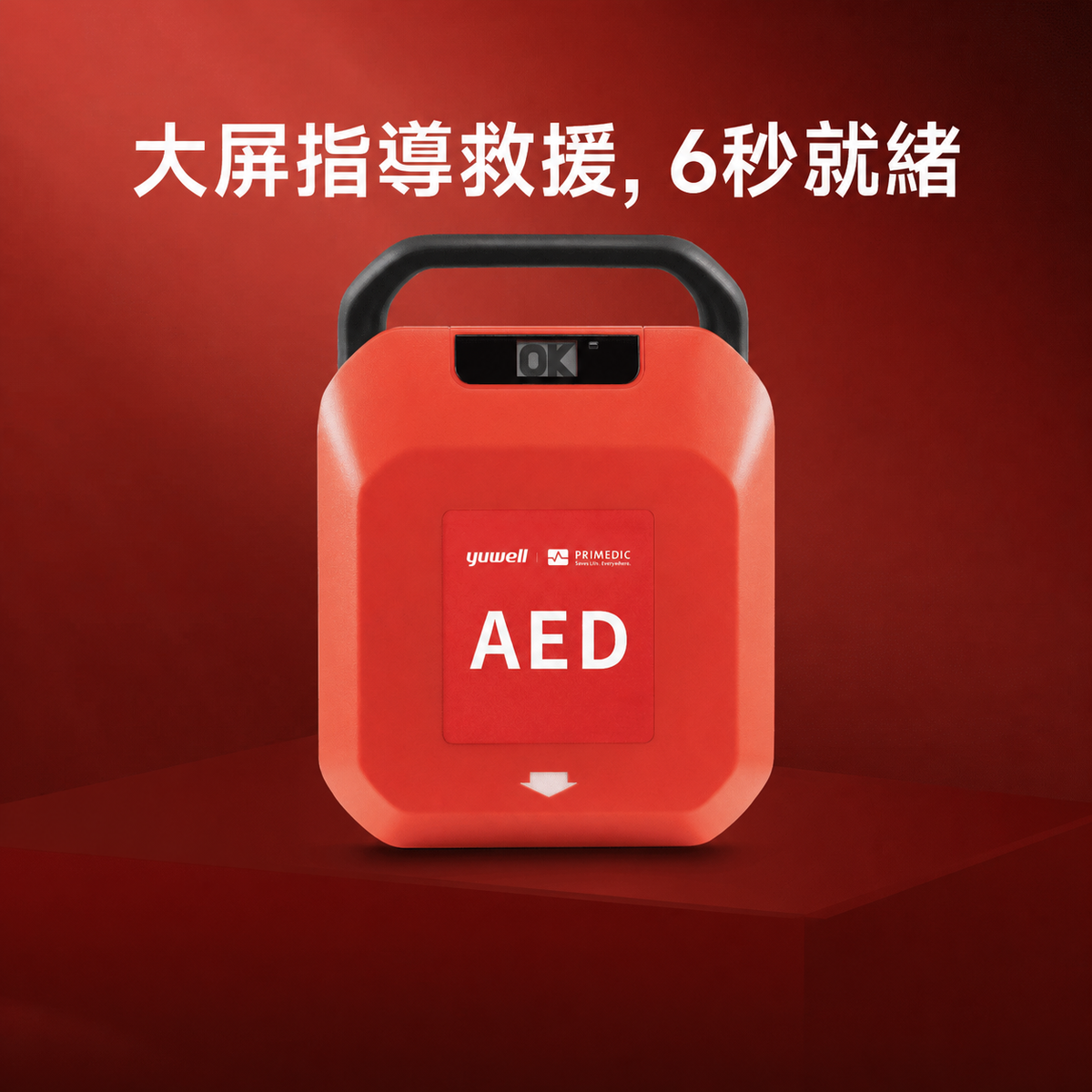
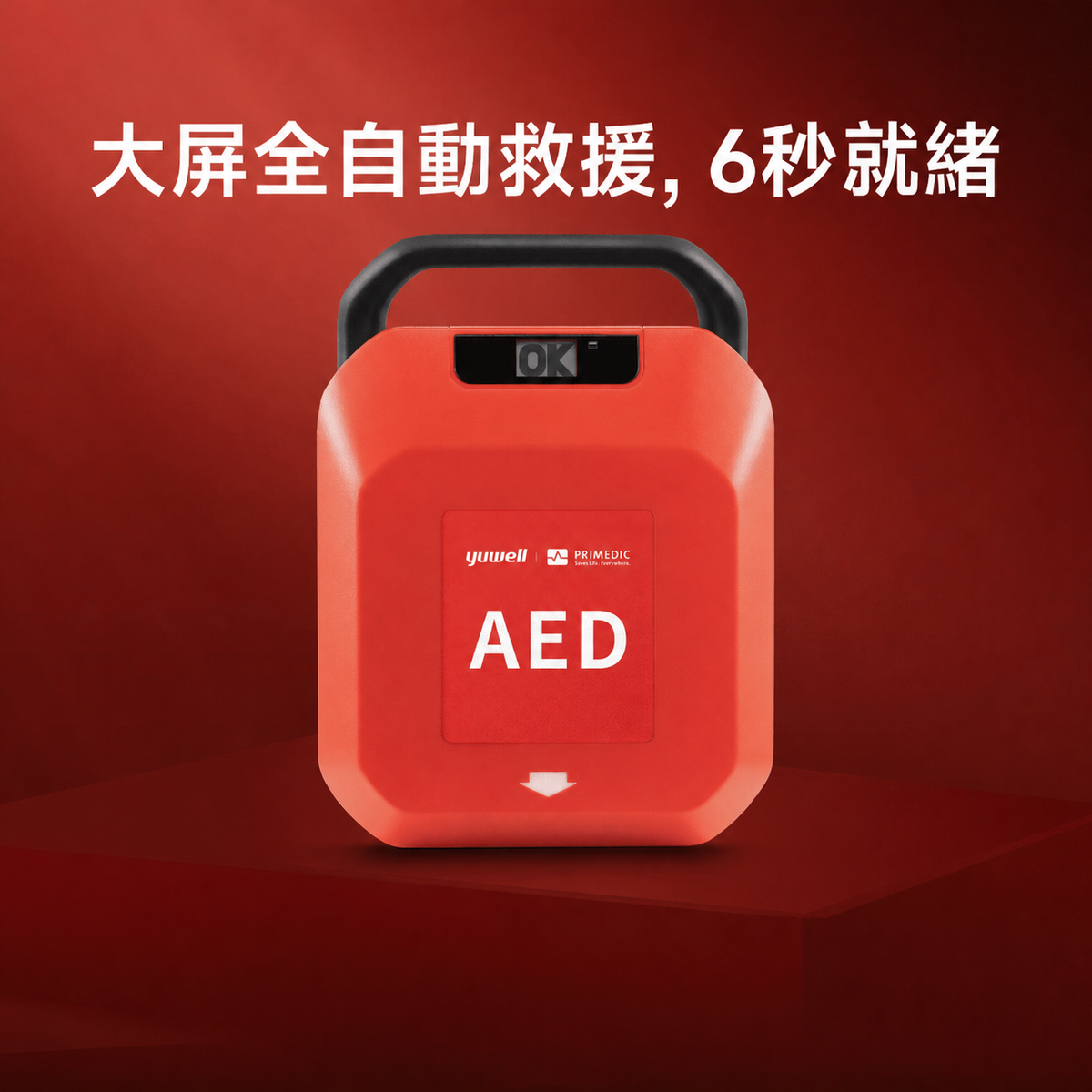
Automated External Defibrillator HeartSave Y Series
Ultra-fast rescue, ready in 6 seconds
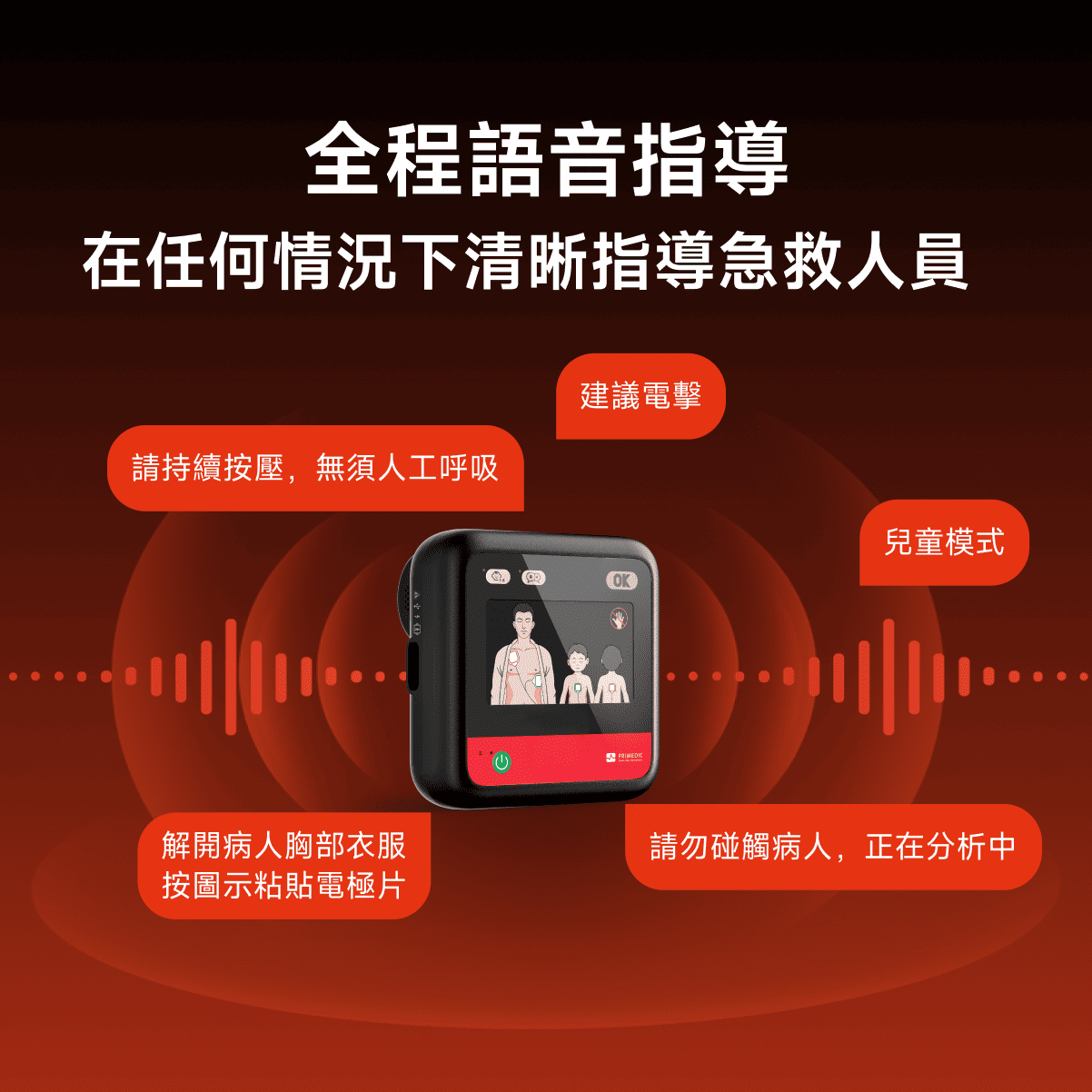
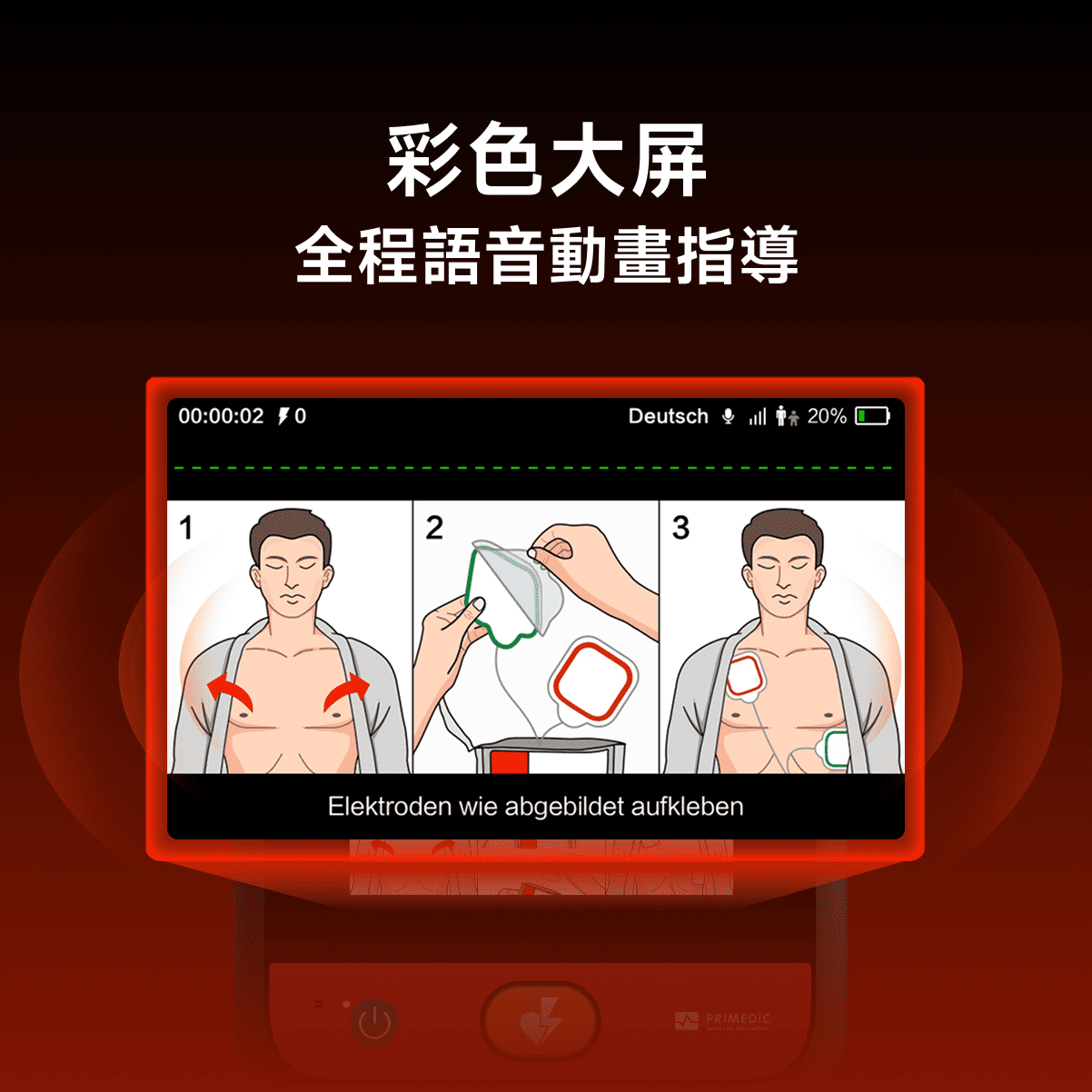
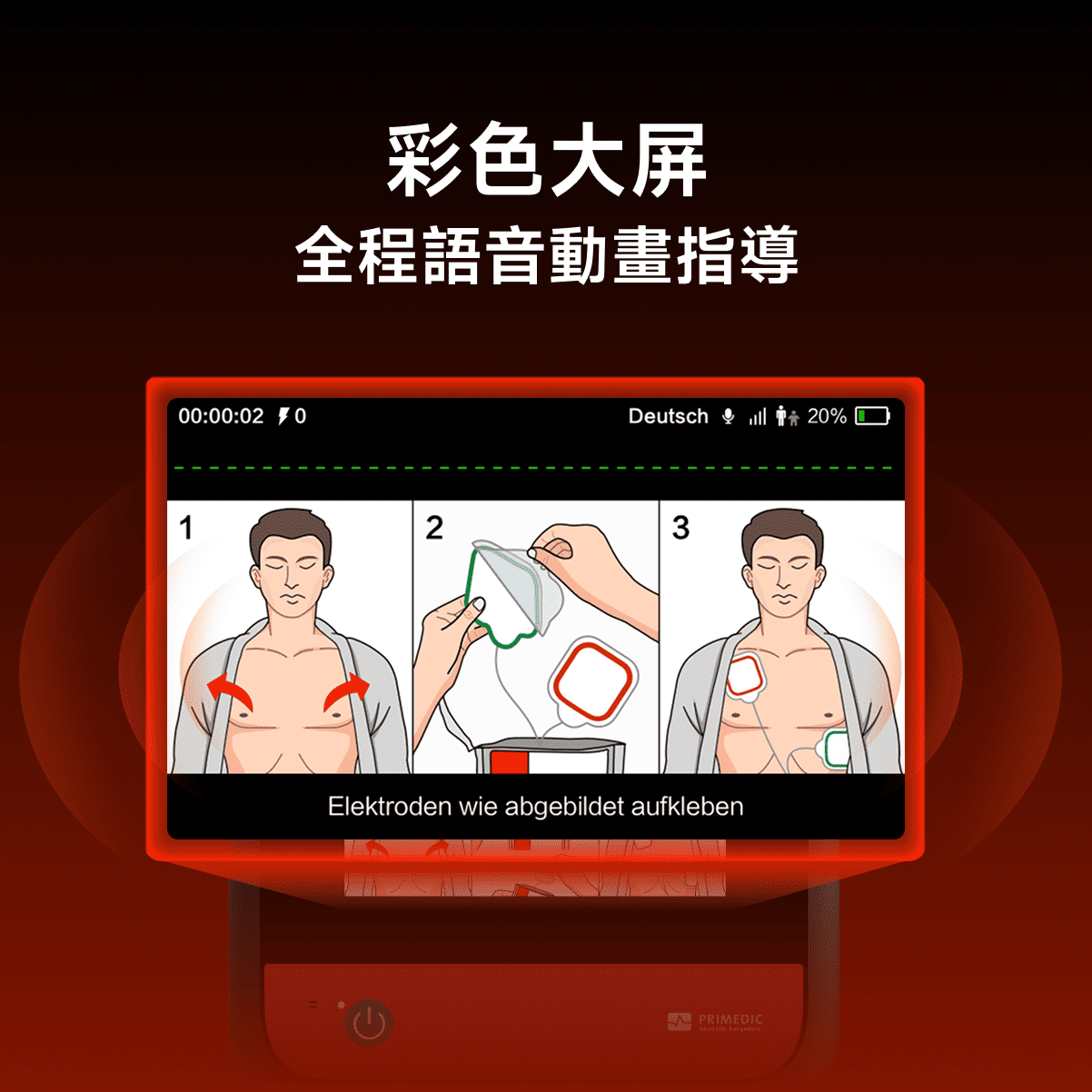
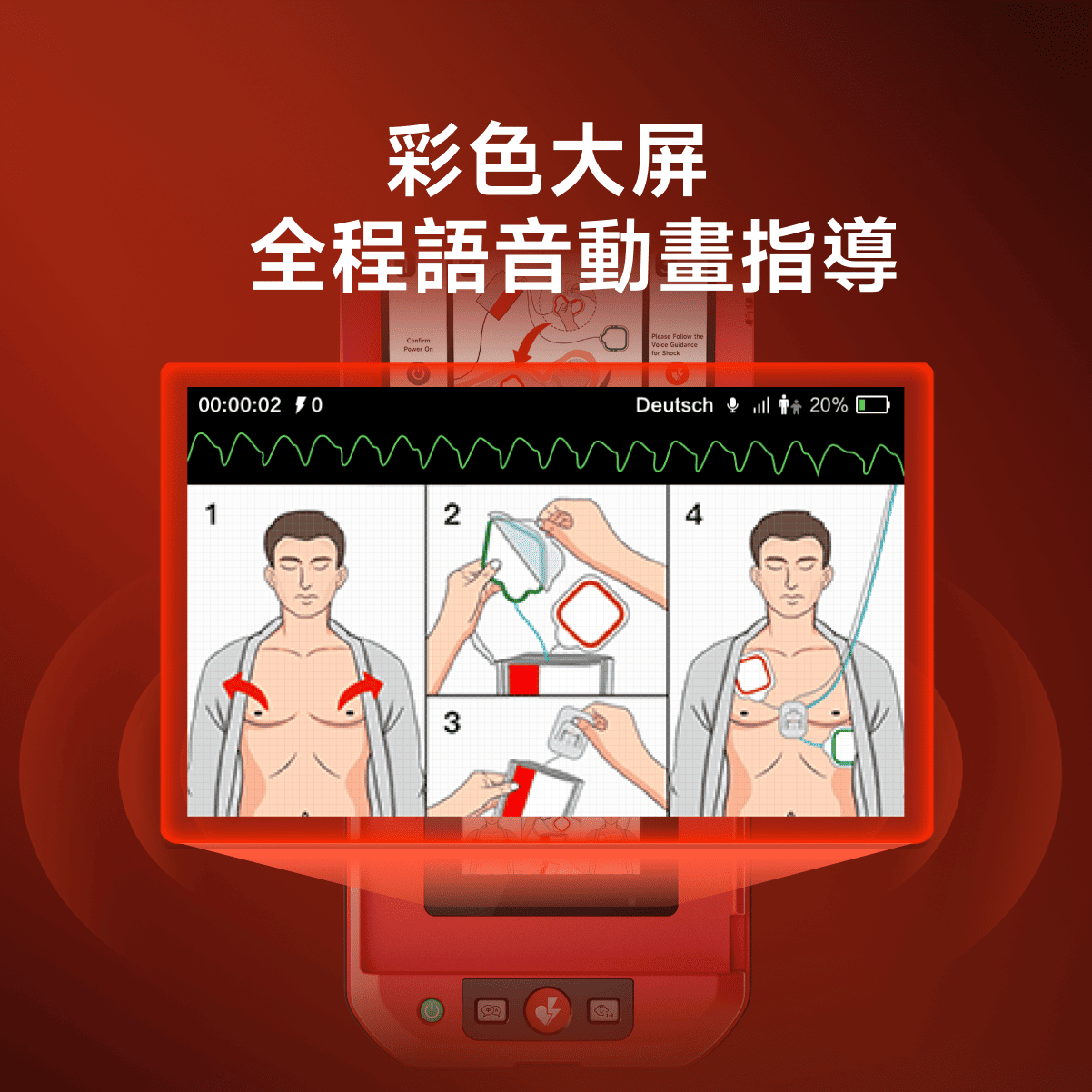
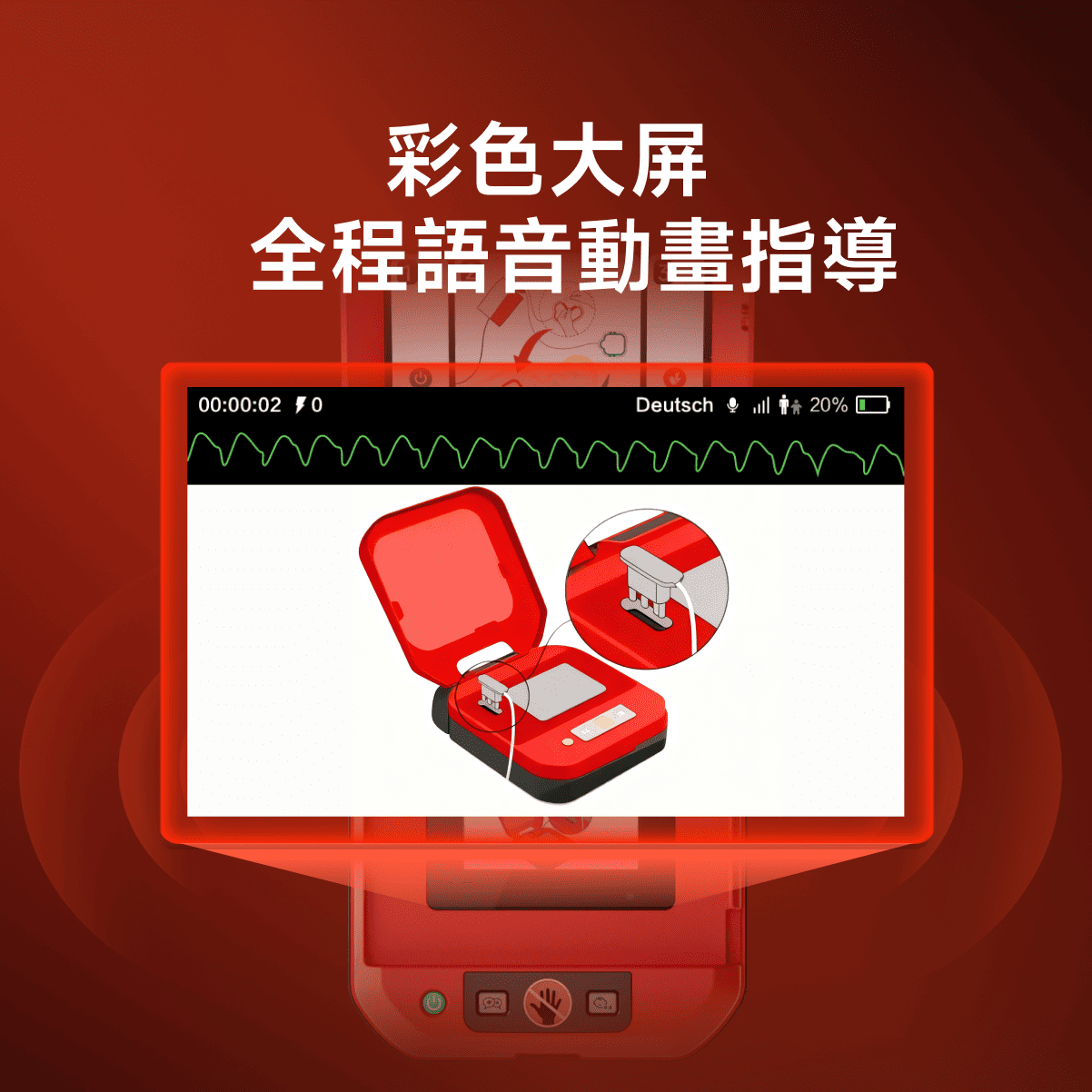
4.3-inch Color screen, HD Smart Control
Remote Management

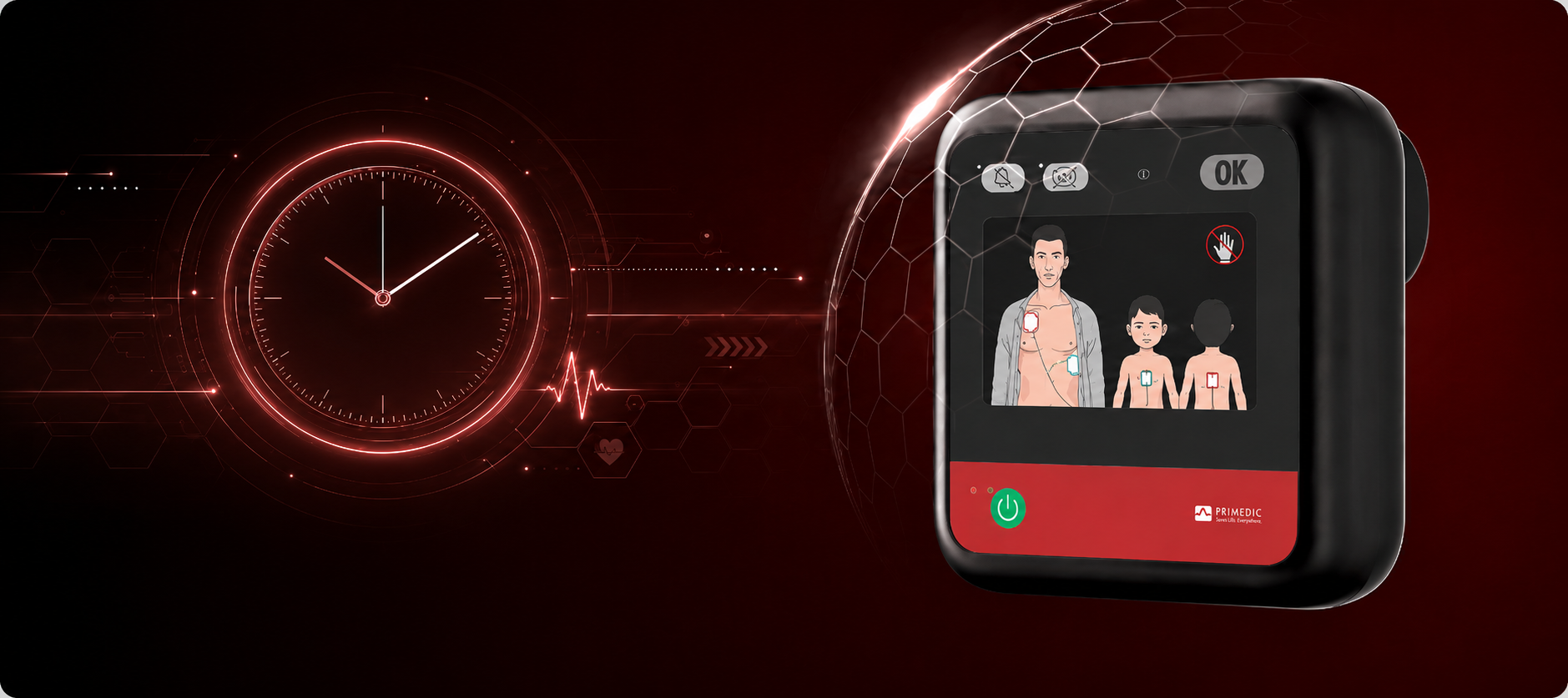
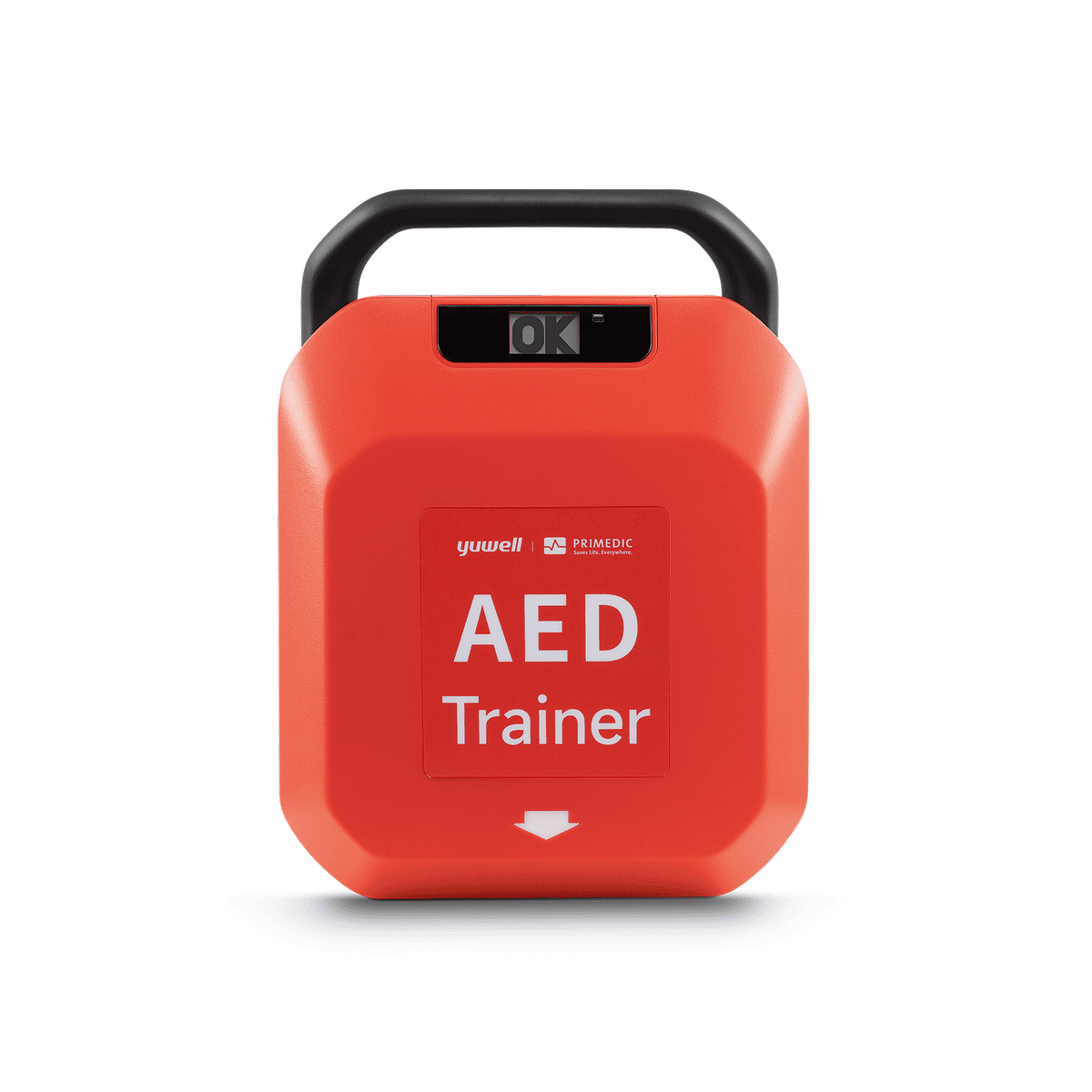
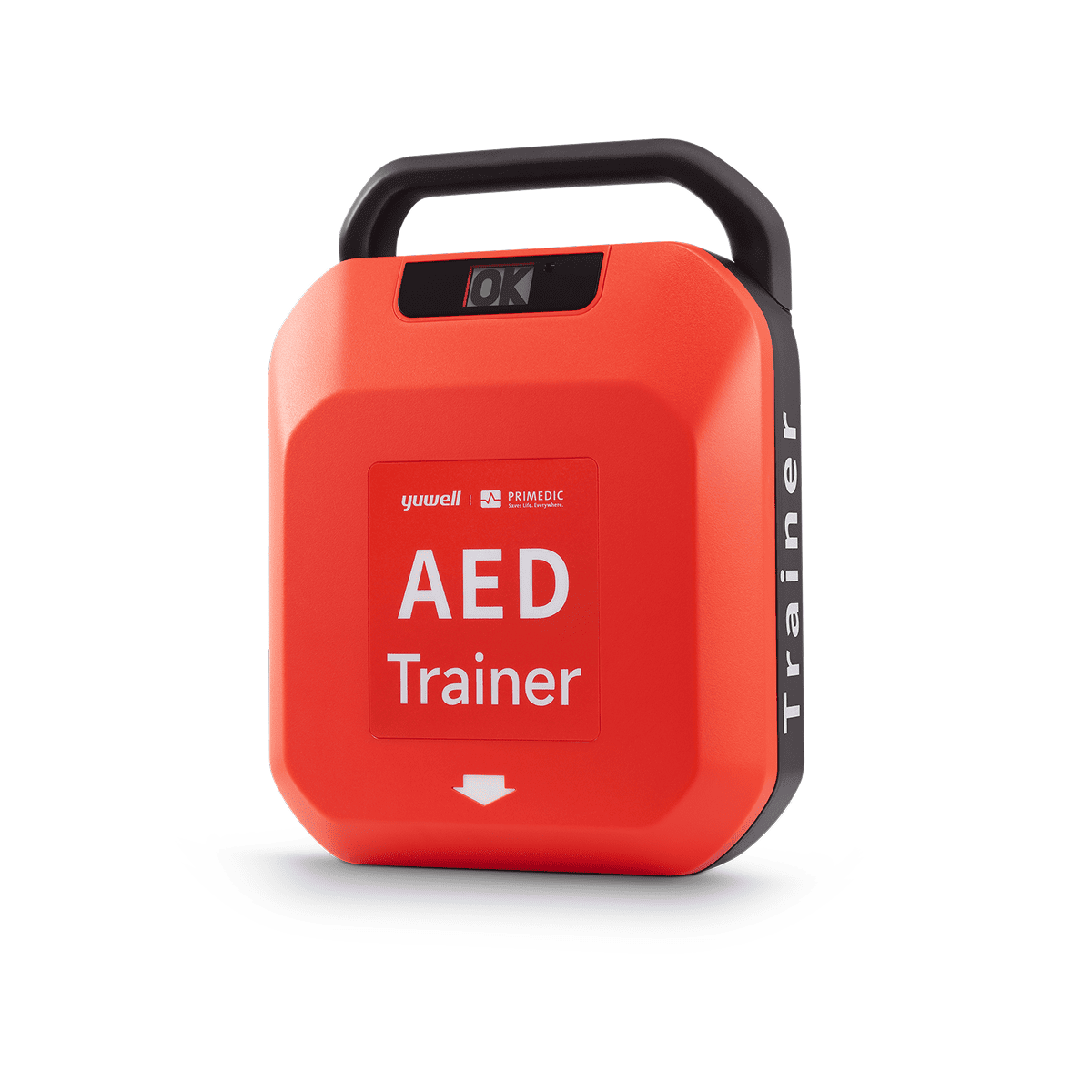
The screen displays "OK/X" to indicate status, and automatically indicates low battery
The screen displays "OK/X" to visually indicate device status, automatically triggering a low-battery alert for quick maintenance.
Children/adult mode, one-button quick switch
The equipped child/adult mode can be switched by operating a button to adapt the energy output to different ages.
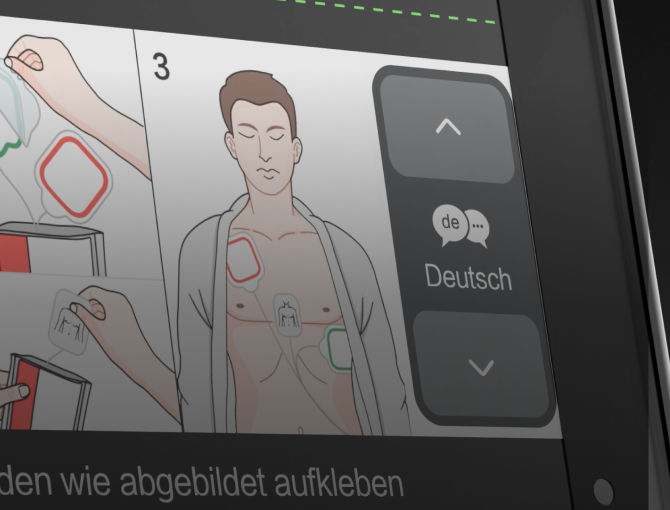
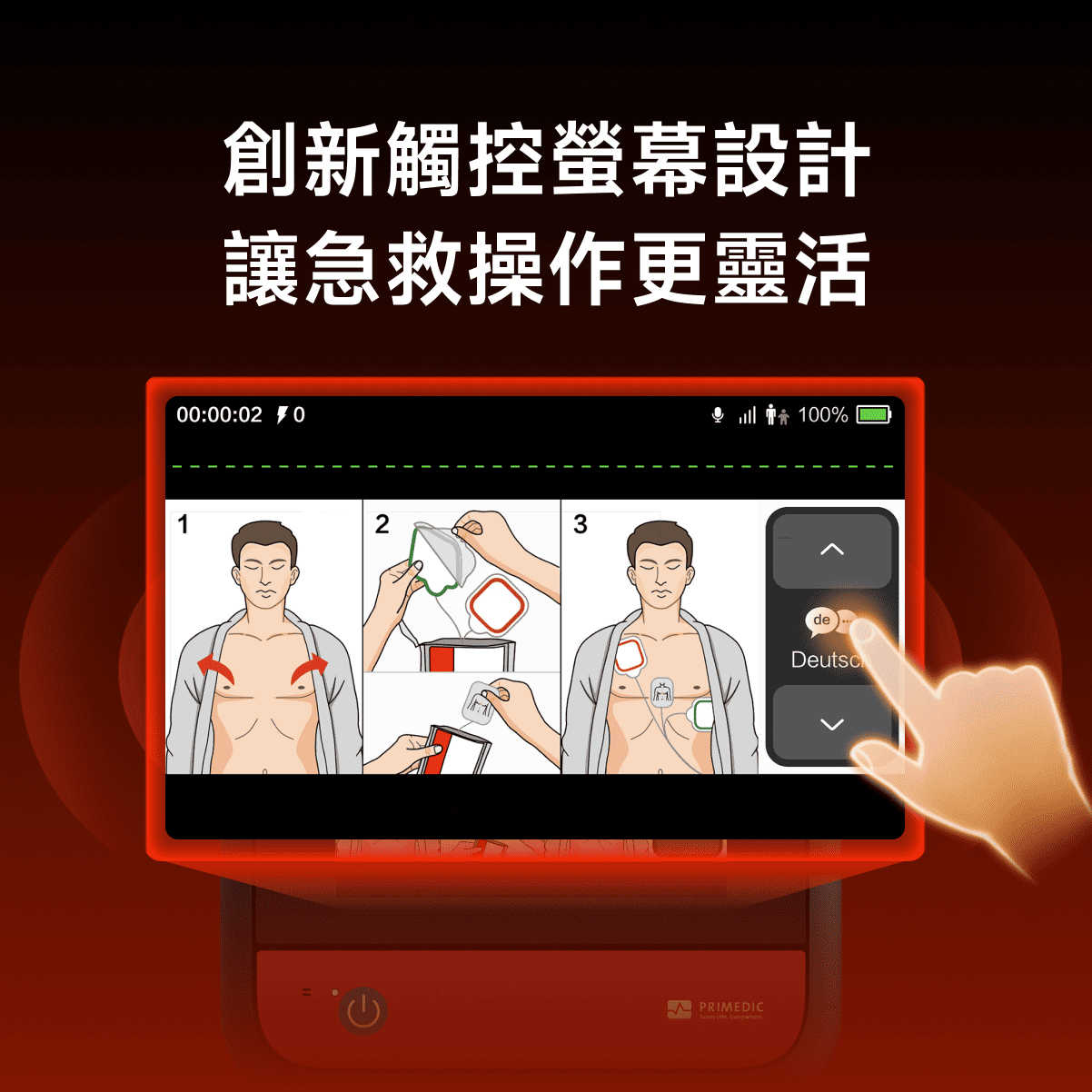
Language Switching
Supports up to 4 languages, ensuring seamless emergency communication.
Start charging as soon as you open the lid
The charging mode starts as soon as the cover is opened, effectively shortening the waiting time during discharge
1
Boot up in seconds
Saving lives within the "Golden rescue time"
5
Analyze in seconds
Saving lives within the "Golden rescue time"
360J
Maximum energy
Meet professional first aid standards
HeartSave Y series
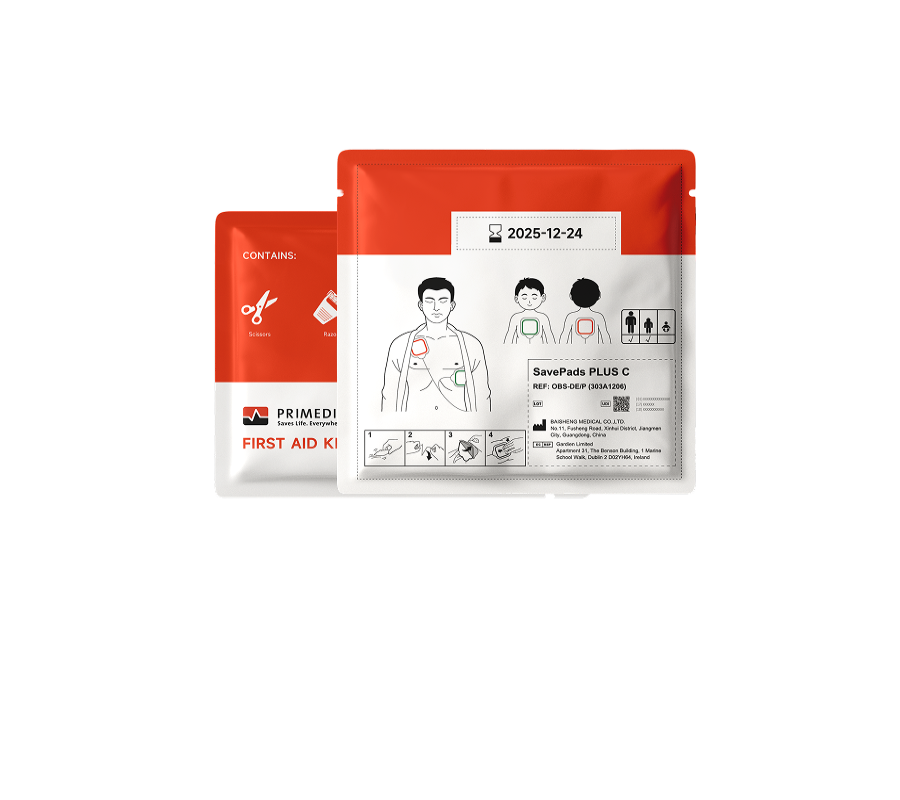
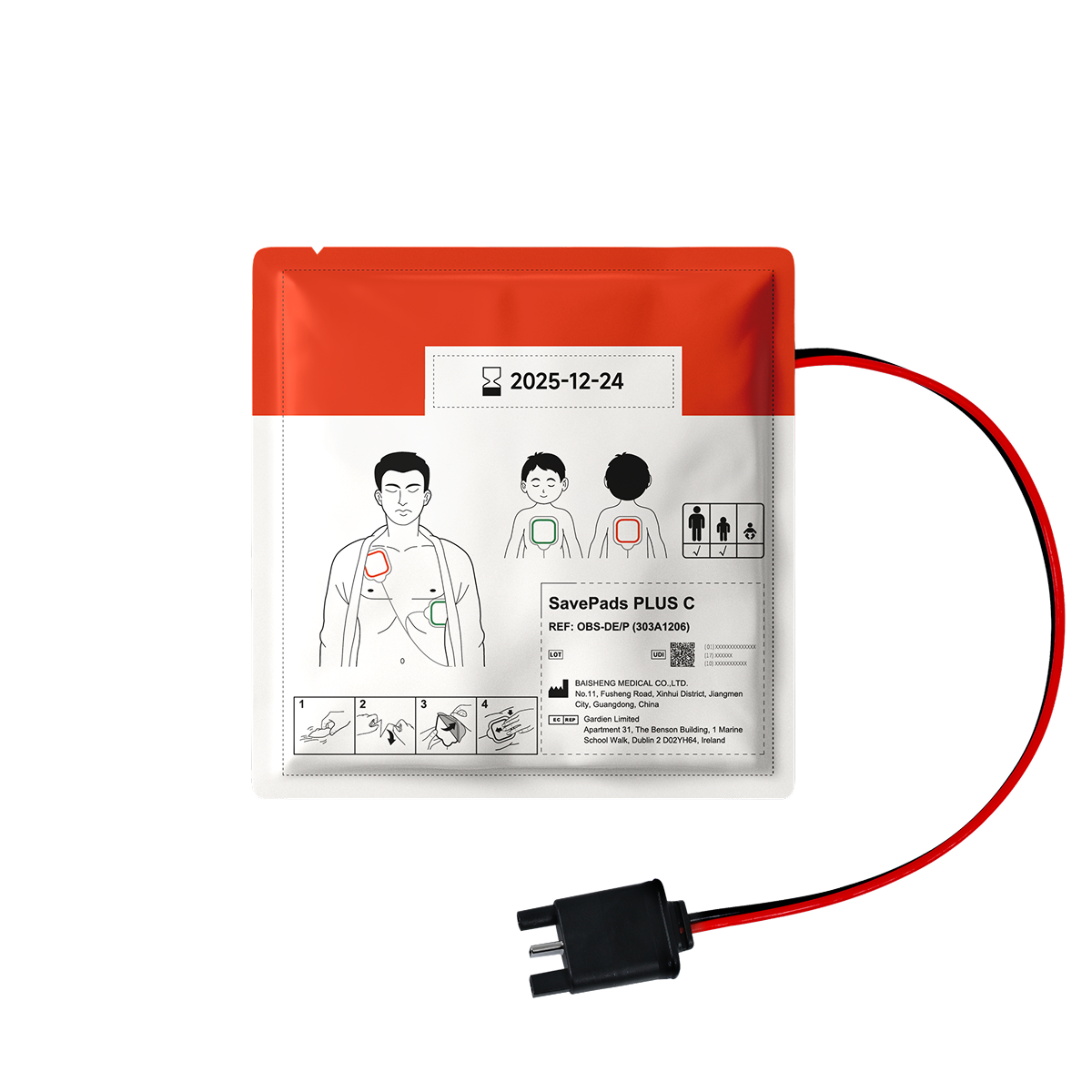
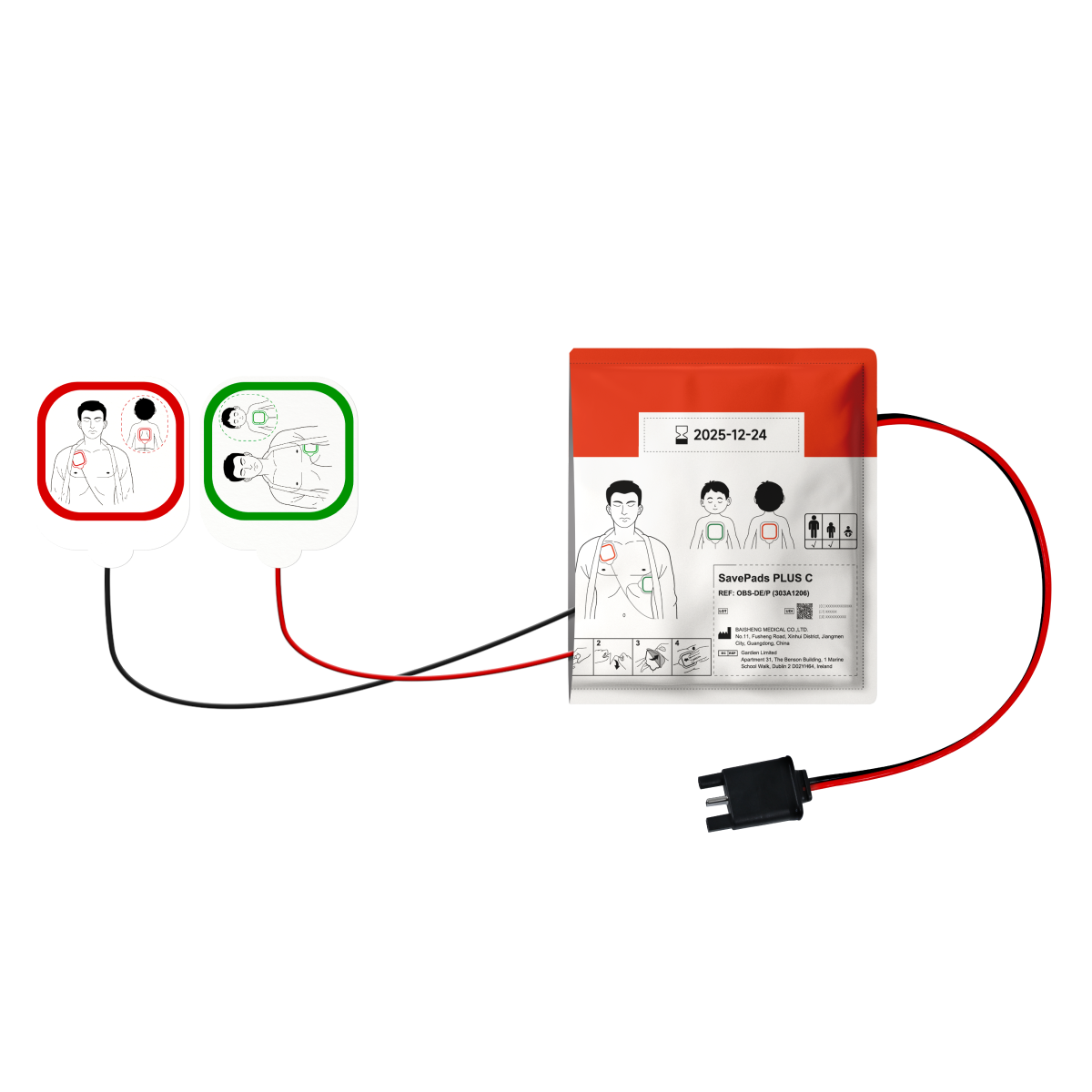
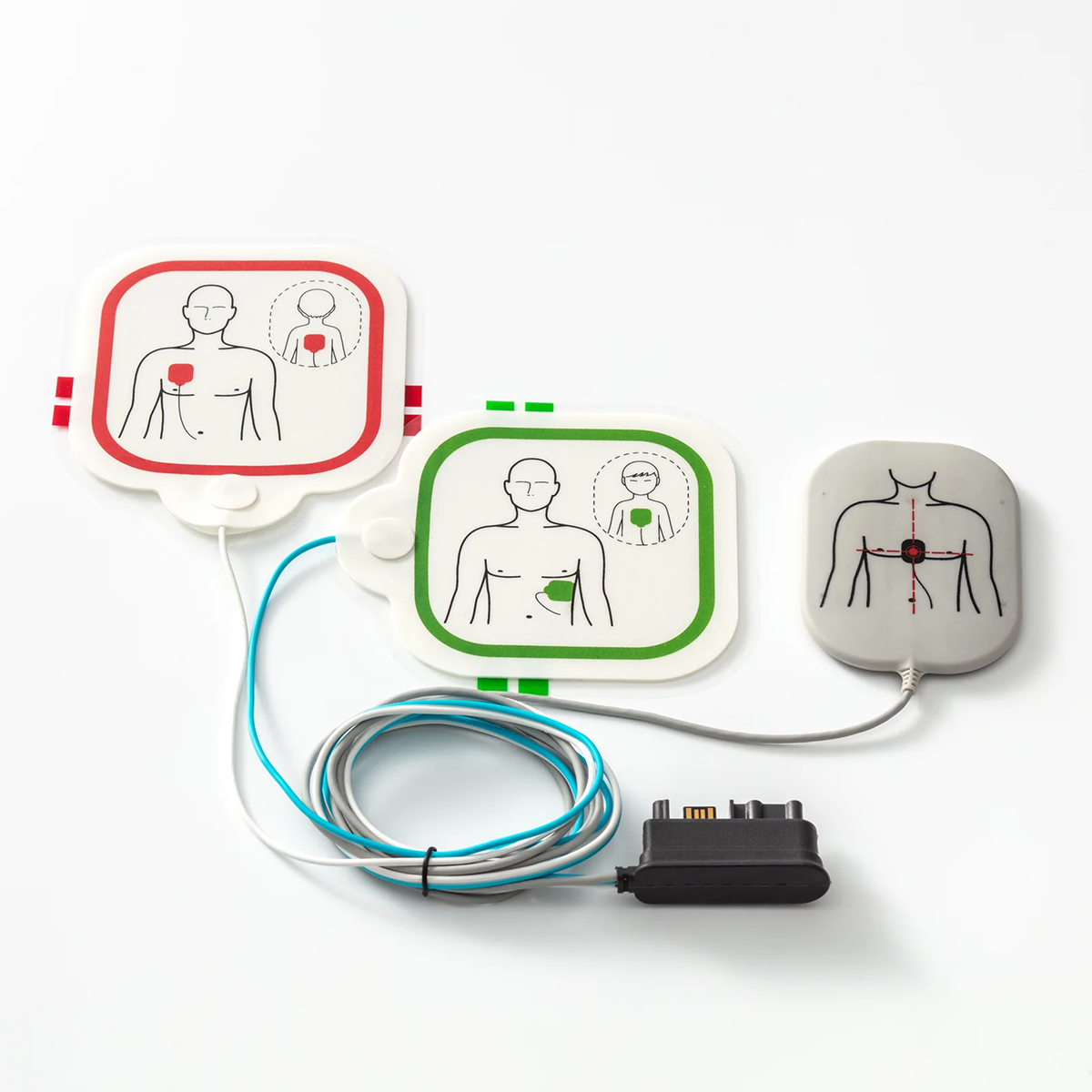
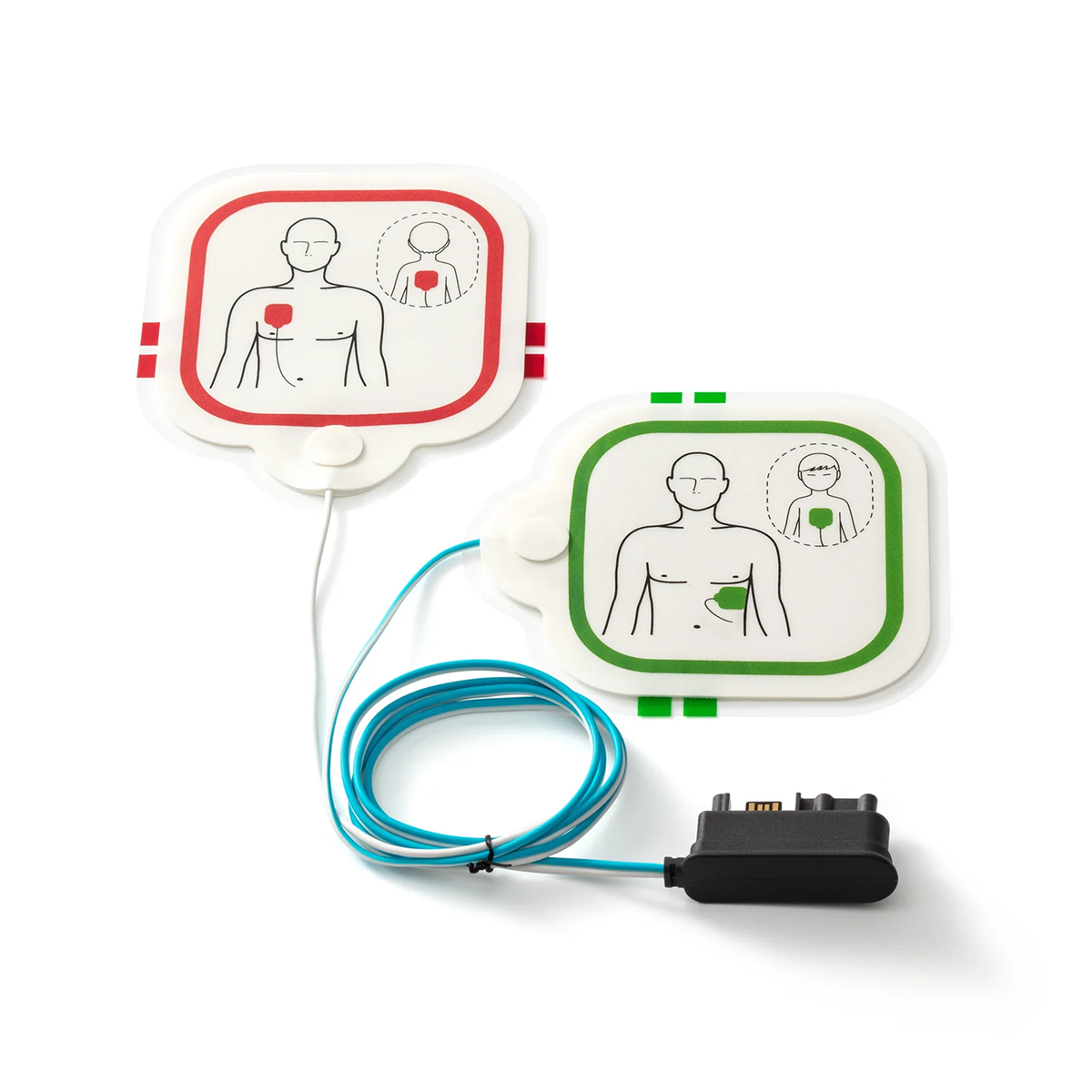
Accessories
Get Everything You Need in One Stop.
Honors or Certifications
Setting Certified Standards, Shaping Monuments of Honor.


News Center
Have questions? We're here to help.

The device does not respond when powered on/turned on (no startup prompt, screen does not light up, or beeps sound after pressing the power button).
If your AED is unresponsive when powered on, it may affect your emergency use. Please immediately follow the steps below to troubleshoot:
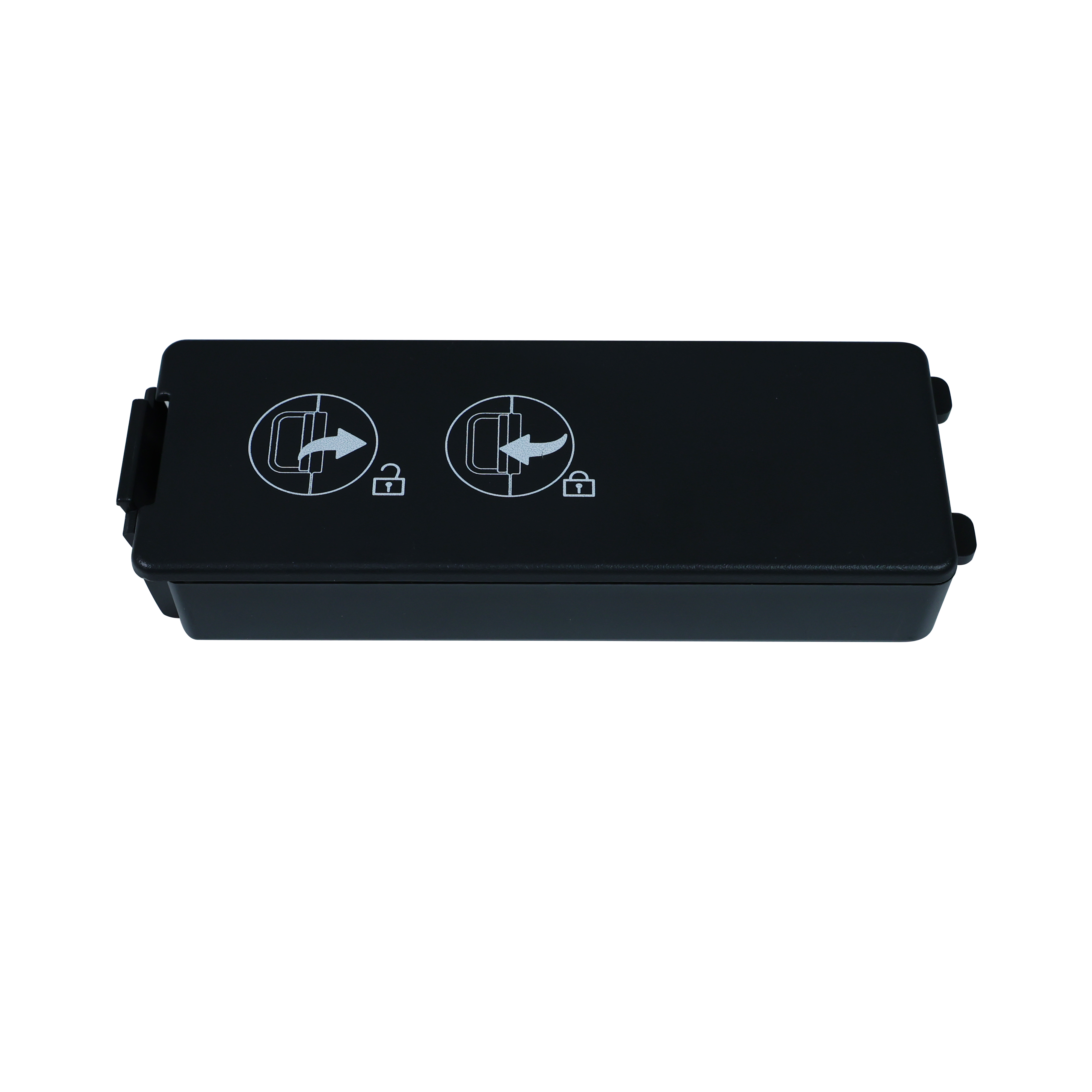
1. Check the battery installation: Open the battery compartment and ensure the battery is securely locked in place, with no looseness or misalignment.
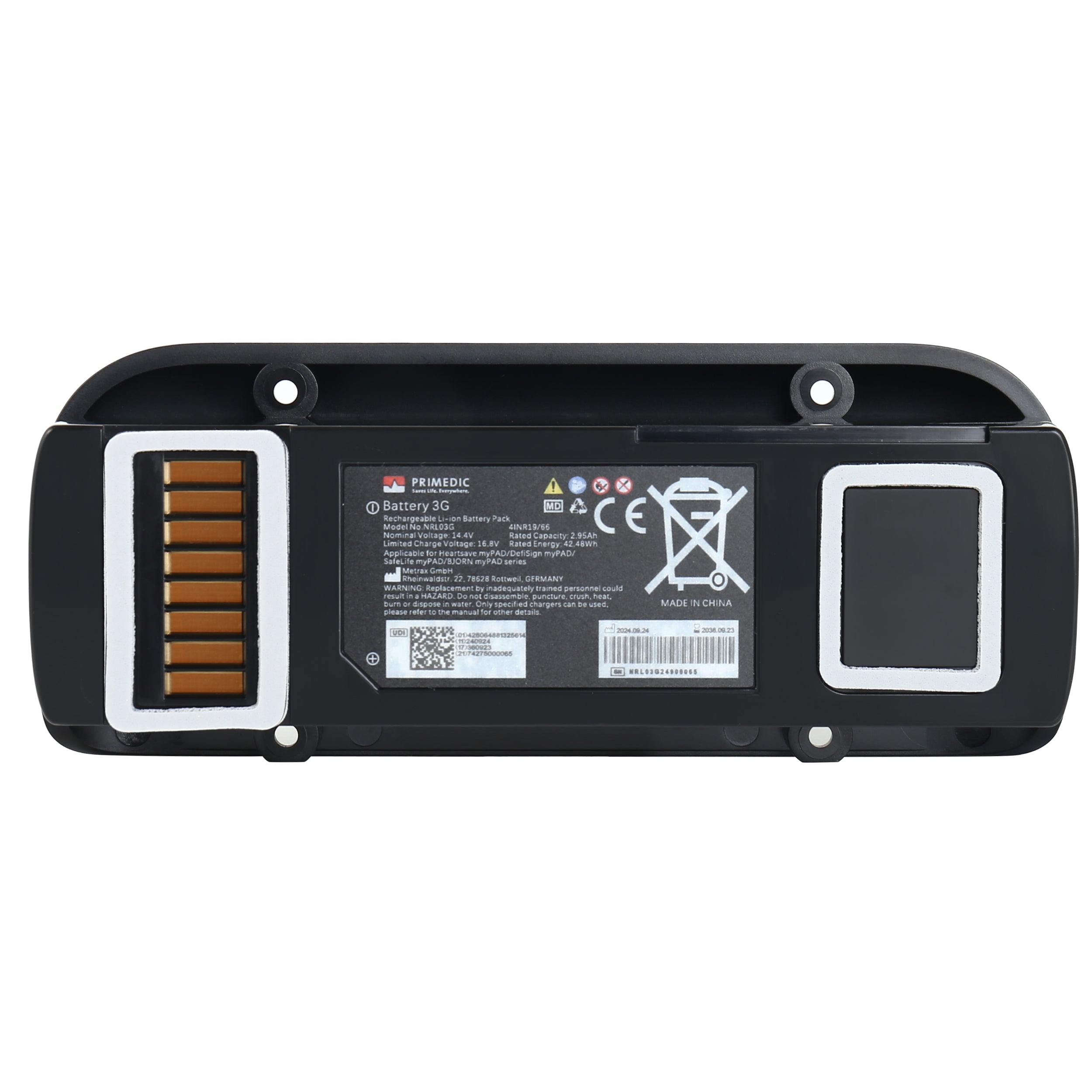
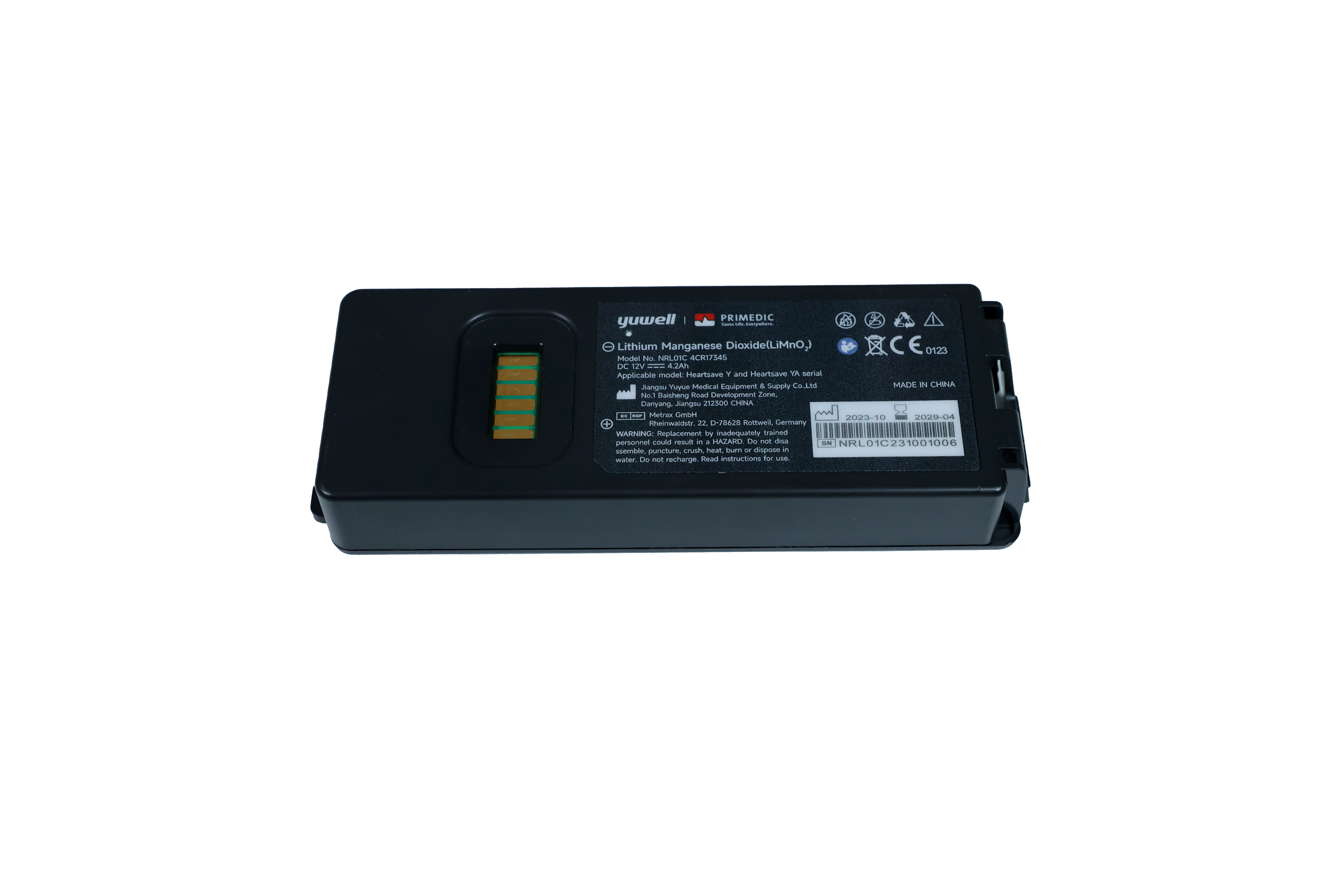
2. Replace with a backup battery (if available): Use a dedicated lithium battery of the correct model. Then attempt to turn on the device again.
3. If the issue persists, this indicates a potential hardware failure with the device or battery. Do not attempt to disassemble it yourself. Please contact our after-sales support immediately and switch to a backup AED to ensure emergency readiness.
The status display shows an "X" mark/the fault red light flashes(including details such as the red light flashing frequency and accompanying prompt sound).
If the AED displays an "X" or a flashing red light, it is a fault alarm signal and requires the following processing:
1. Troubleshoot as guided: For example, if the electrode pads are not connected, re-insert them firmly. If the battery is expired, replace it with a new, compatible one. After troubleshooting, restart the device to see if the alert clears.
2. If the alert persists, the device requires professional repair. Please stop using it immediately and contact our after-sales service. Meanwhile, record the time the fault occurred and the flashing frequency of the light to help our team diagnose the issue quickly.
The device does not respond when powered on/turned on (no startup prompt, screen does not light up, or beeps sound after pressing the power button).
Hello! Screen issues may affect the viewing of "electrode placement instructions" and "heart rhythm analysis results" during emergency treatment. Please address these issues based on the specific situation:
① Screen distortion/black screen: First check the battery power supply (replace the battery and restart the computer to rule out insufficient power). If the problem persists, the screen cable may be loose or damaged. Do not knock or press the screen. Contact after-sales service for a replacement.
② Screen is inverted/touch screen is not working: Enter the device's "setting mode" (some models can be entered by long pressing the "menu button", such as Jiuxin Medical AED), and try to restore the "screen display default settings" and "touch screen calibration"; if the calibration is invalid, it means that the system or touch screen hardware is faulty and after-sales service is required. During this period, a spare AED will be used instead.
The device has no sound output (missing emergency voice guidance, fault prompt tone) / abnormal sound (noise, freeze, abnormal volume)
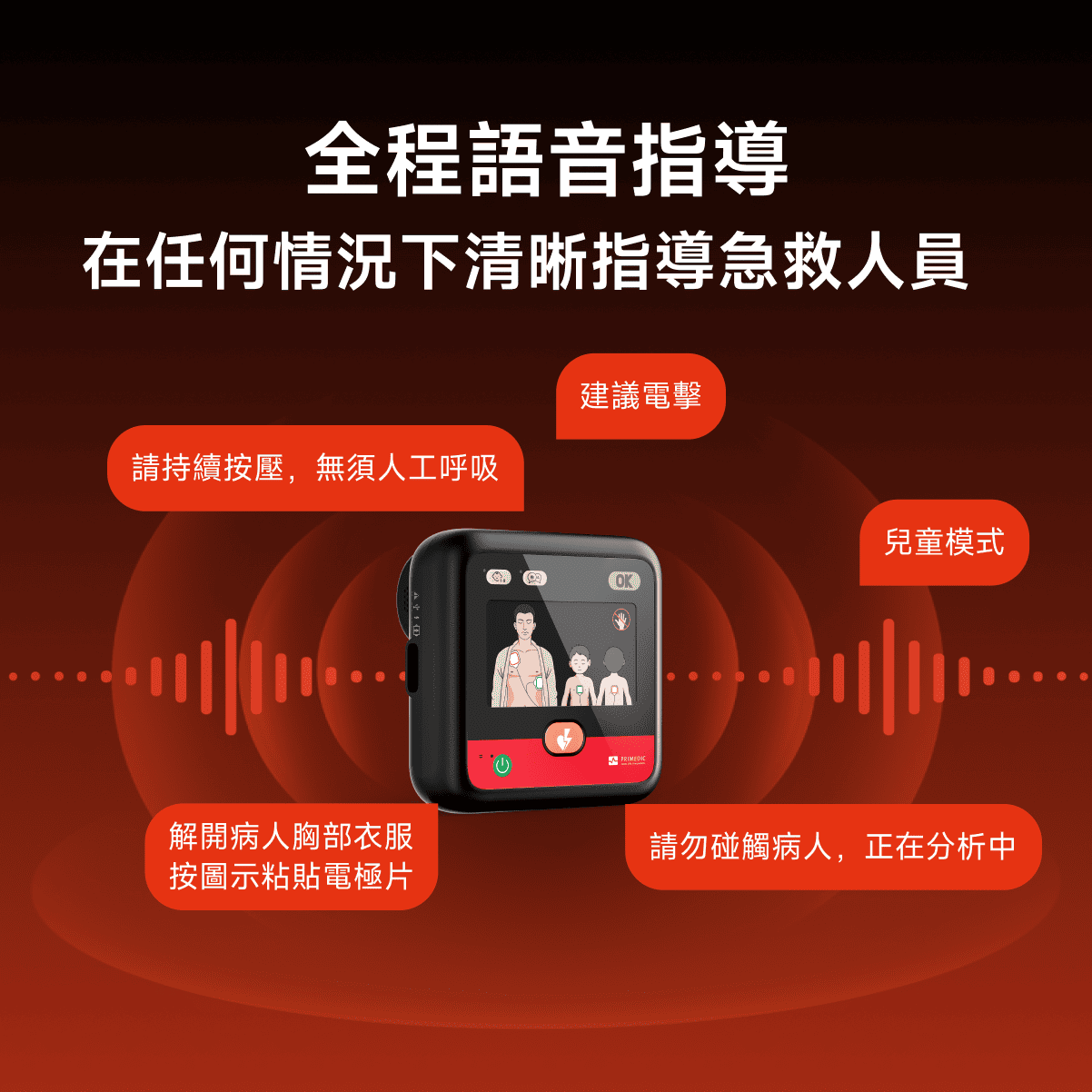
The AED's voice guidance (e.g., "Please apply electrodes" or "Analyzing heart rhythm") is crucial for first aid. Any abnormal sound requires urgent attention:
① No sound: Check whether the device volume is accidentally set to "mute" (some models can be adjusted by pressing and holding the "volume button"; the screen will display a volume icon). If the volume is normal and there is still no sound, it may be a speaker malfunction.
② Abnormal sound (noise/stuttering): First restart the device to eliminate temporary system interference. If the abnormality persists, it indicates a faulty speaker or audio module. In all of these cases, the device must be deactivated and repaired. At the same time, ensure that the backup AED's sound function is functioning properly to avoid loss of voice guidance during first aid.
What is your return policy?
We have a 14-day return policy, which means you have 14 days from the time you receive the item to request a return.
To be eligible for a return, your item must be in the same condition you received it, unworn or unused, with tags attached and in its original packaging. You'll also need a receipt or proof of purchase.
To initiate a return, you can contact us ate-support@primedic.com.
Have questions?
You can contact us through ourcontact page! We will be happy to assist you.