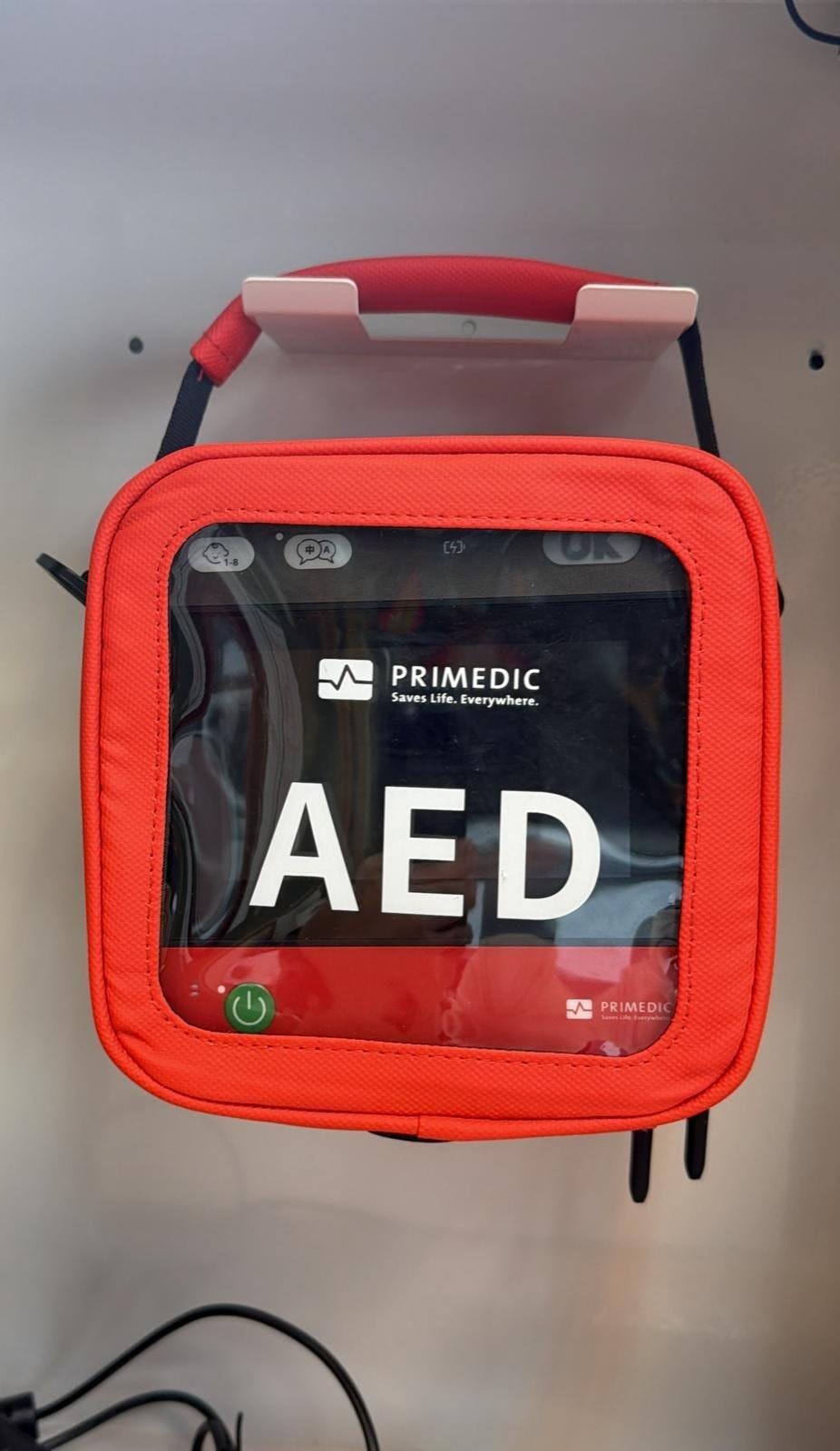

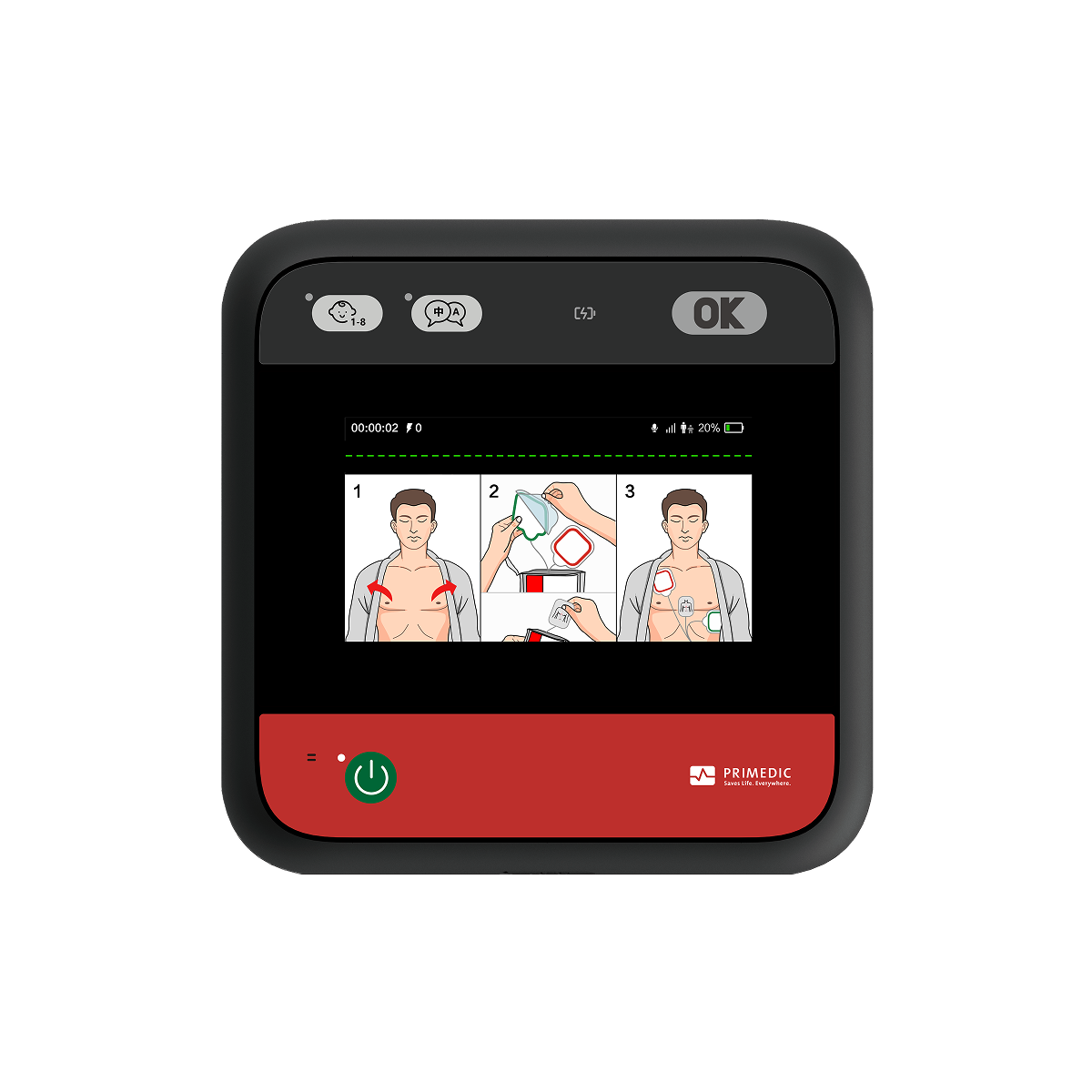
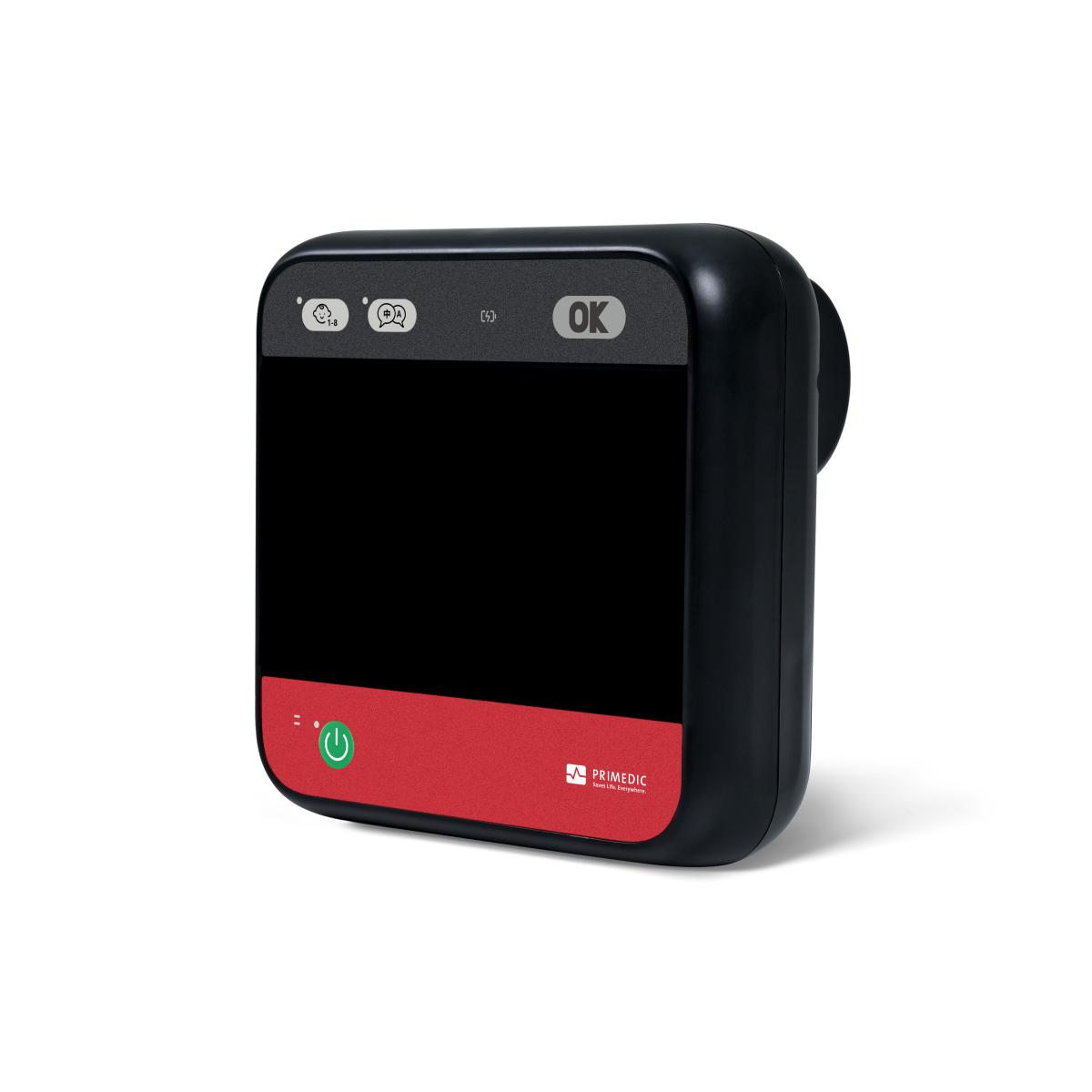
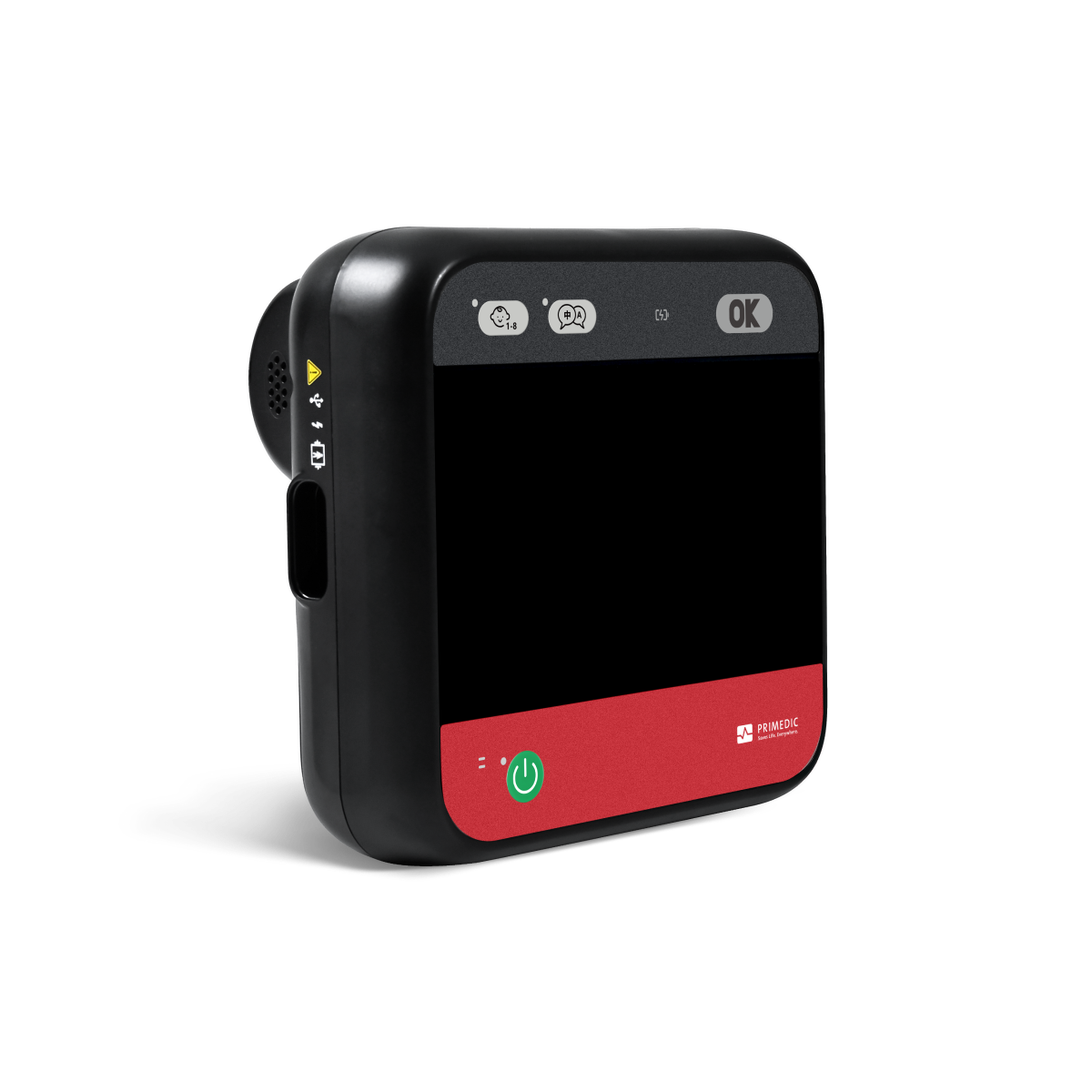
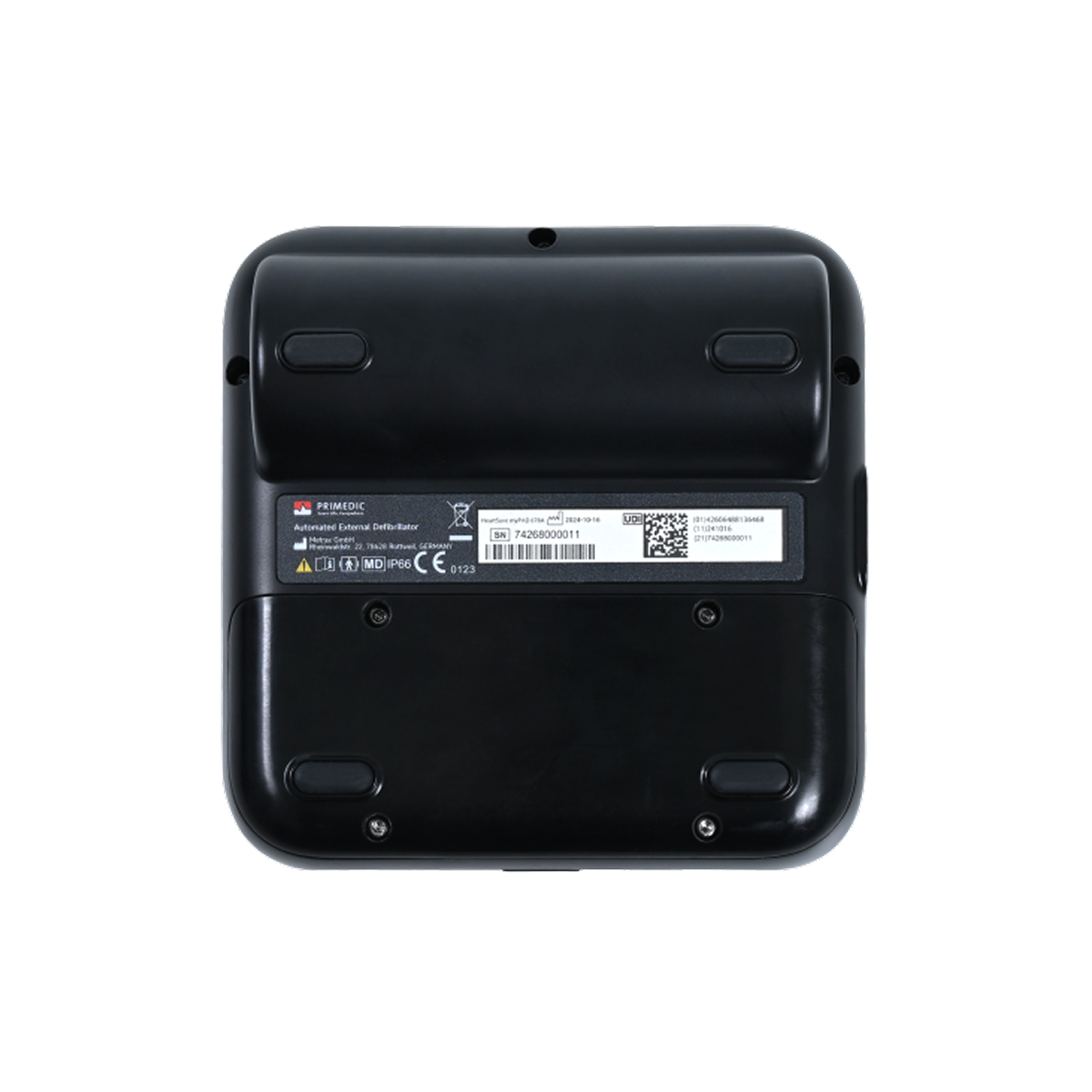


AED automatic heart defibrillator myPAD-675A
- Utilizing advanced biphasic truncated exponential (BTE) defibrillation technology
- The maximum output energy is 200J, and the energy can be automatically matched according to the patient's impedance.
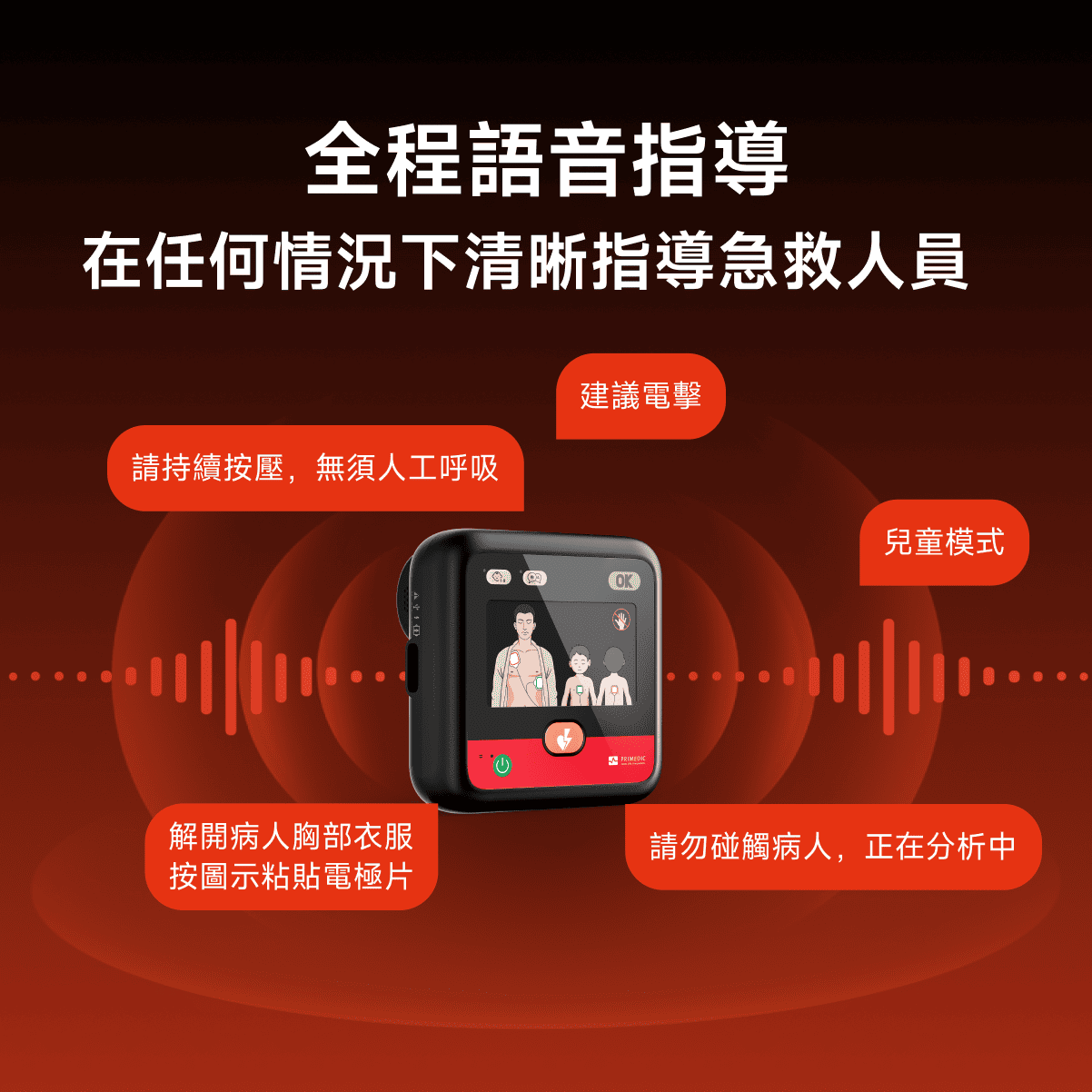
- The entire process is guided by voice prompts (supporting multiple languages), which are clearly audible even in noisy environments.
- It adopts a self-developed heart rhythm recognition system with high sensitivity and specificity.
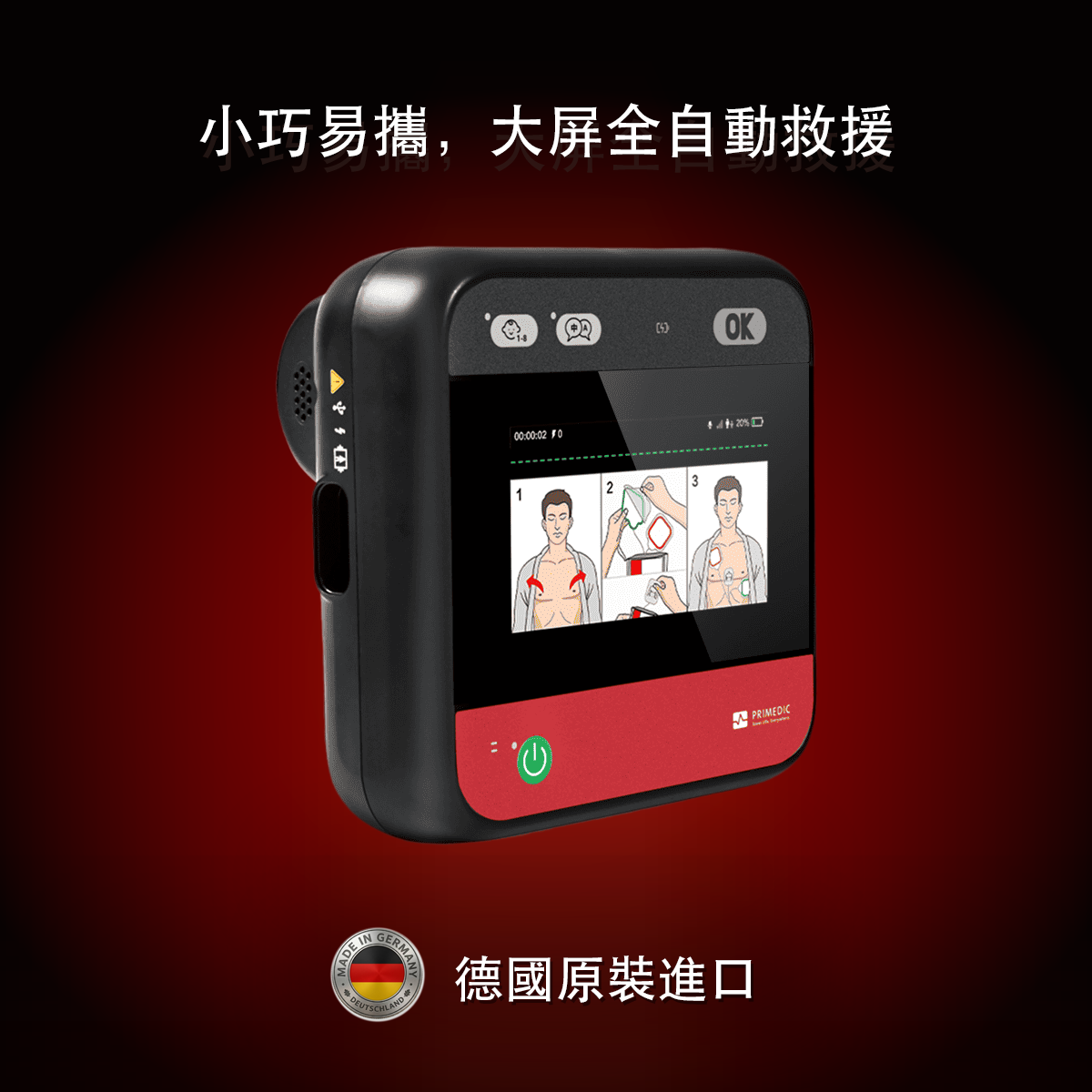
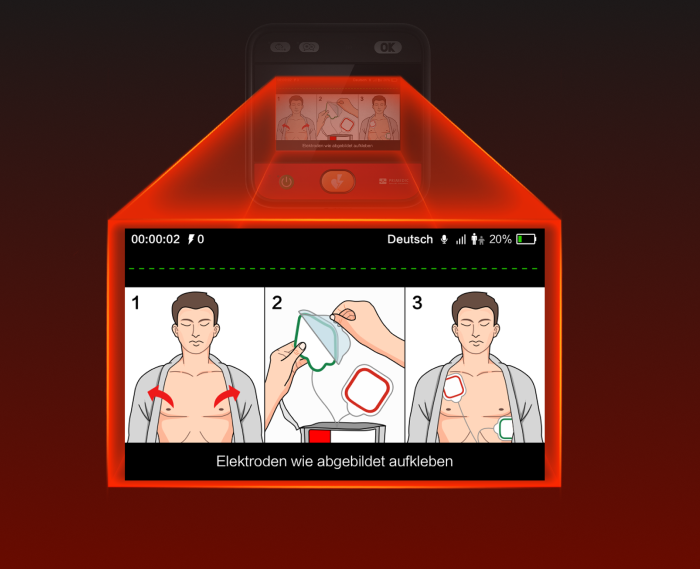
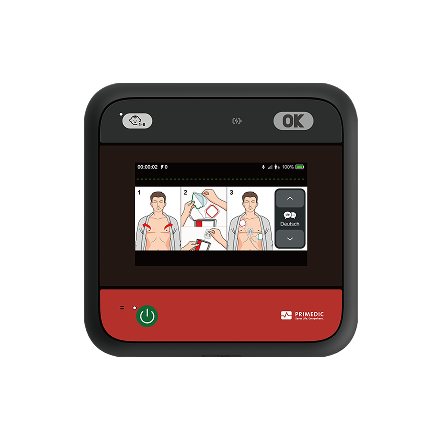
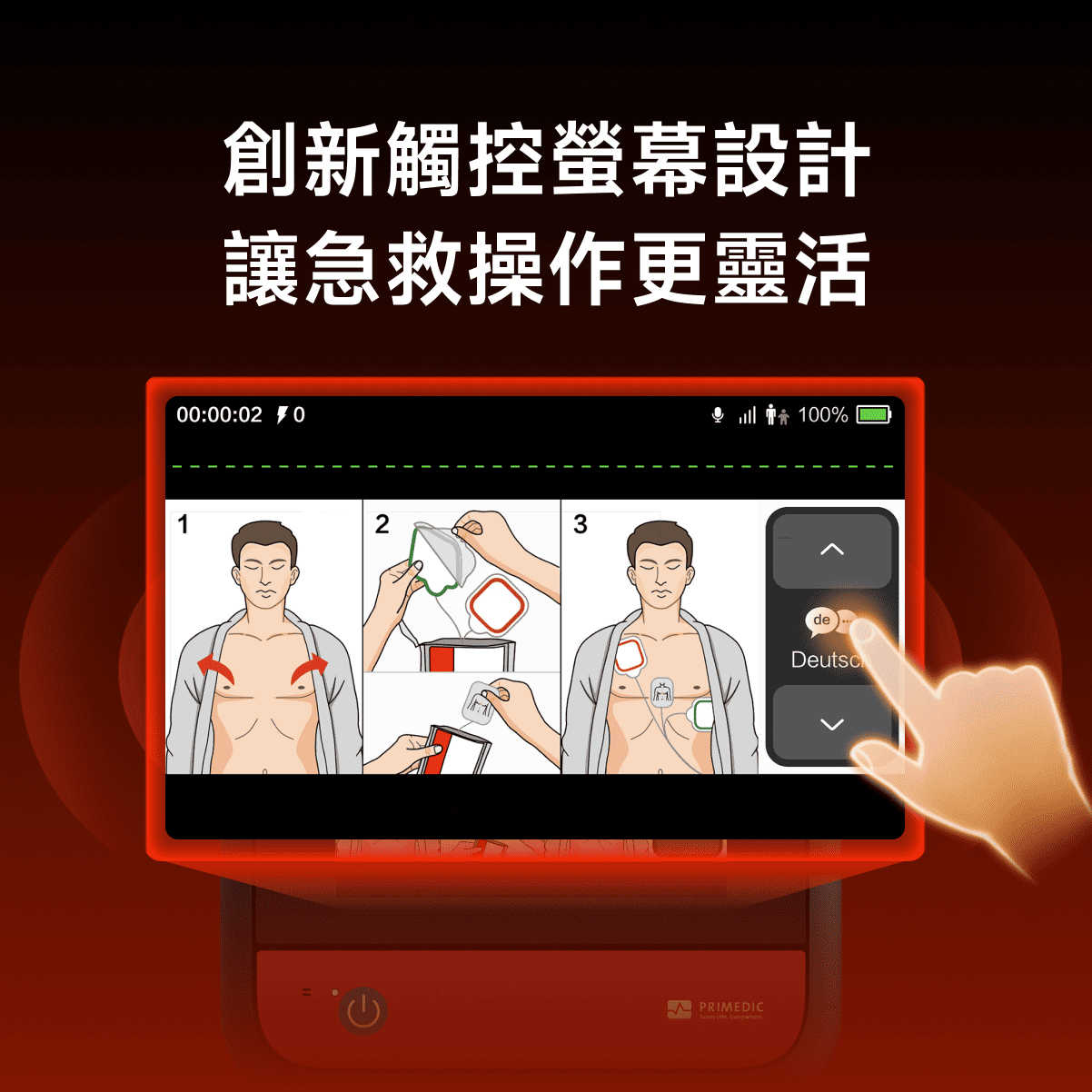
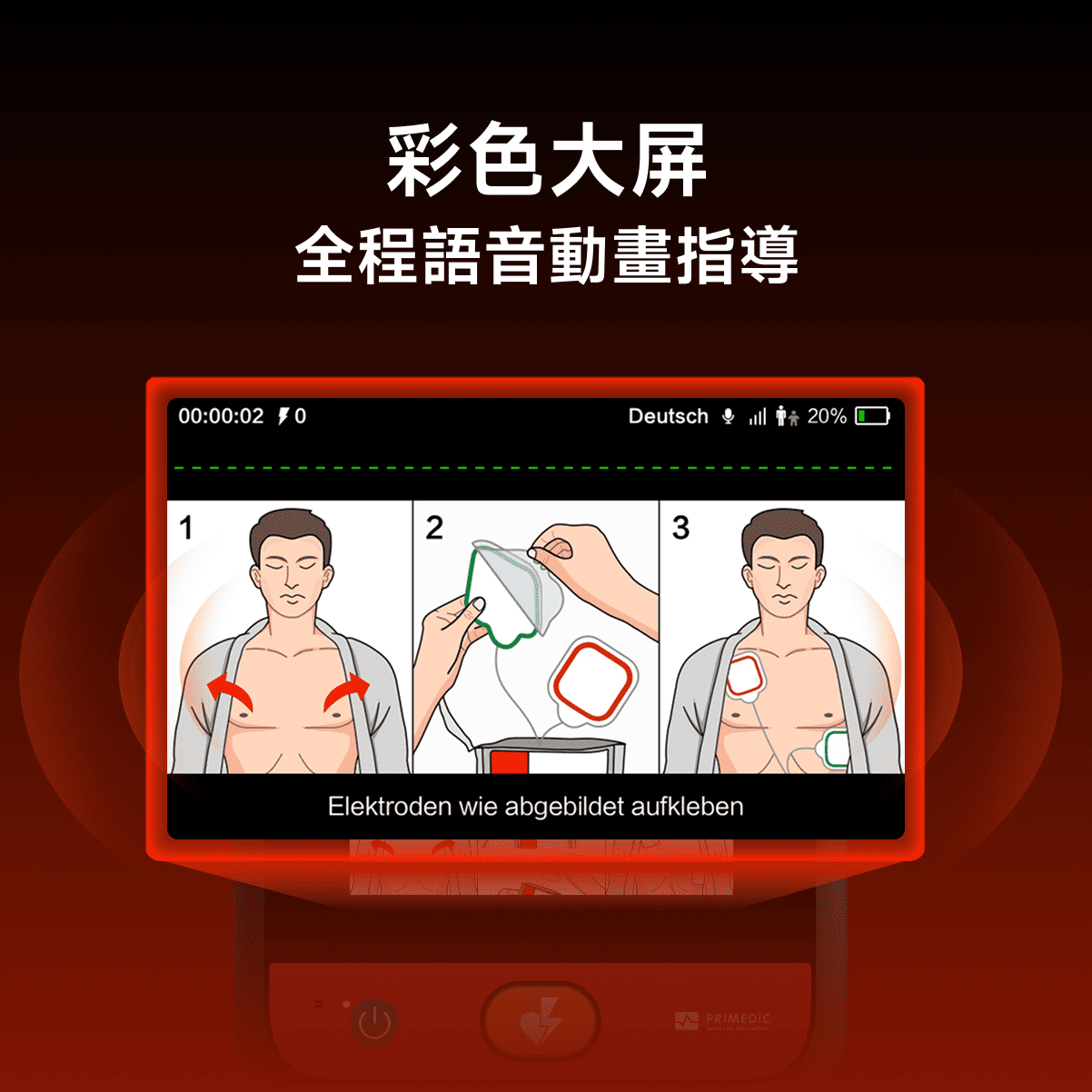
- This device is equipped with a smart full-color display screen, which clearly and intuitively demonstrates each step of the operation process with animations, greatly reducing the barrier to entry for users.
- Real-time visual feedback on CPR compression depth and frequency, with synchronized multilingual dynamic subtitles providing guidance on the operation steps.
- The duration of each power-on and all discharge counts are clearly tracked, allowing you to monitor the device's status at any time and providing greater peace of mind in case of emergency.
- Provides instructional text to ensure users can operate the system calmly even in emergency situations.
If you need customization, please feel free to contact customer service and we will provide you with professional support.
Payment Methods:
Delivery method:


Excellent performance and long-term protection
The device has a service life of 12 years, while the electrode pads and rechargeable battery last for 5 years and 12 years respectively.Designed to deliver stable performance in scenarios ranging from daily standby to emergency deployment, it withstands frequent use or extended standby with minimal degradation, thereby reducing the risk of device failure and ensuring it is ready and reliable when every second counts.


One button switching for Pediatric and Adult modes.
The equipped Child/Adult mode can be switched via the operation button to deliver age-appropriate energy output. The device defaults back to the adult mode upon the next startup, a design suited for complex scenarios that balances rescue efficiency with operational safety.
Clear prompts from visual and audio to ensure seamless operation.
The device graphically displays CPR compression quality and depth in real time, while simultaneously providing operational captions. This ensures that users can operate calmly even in emergencies.

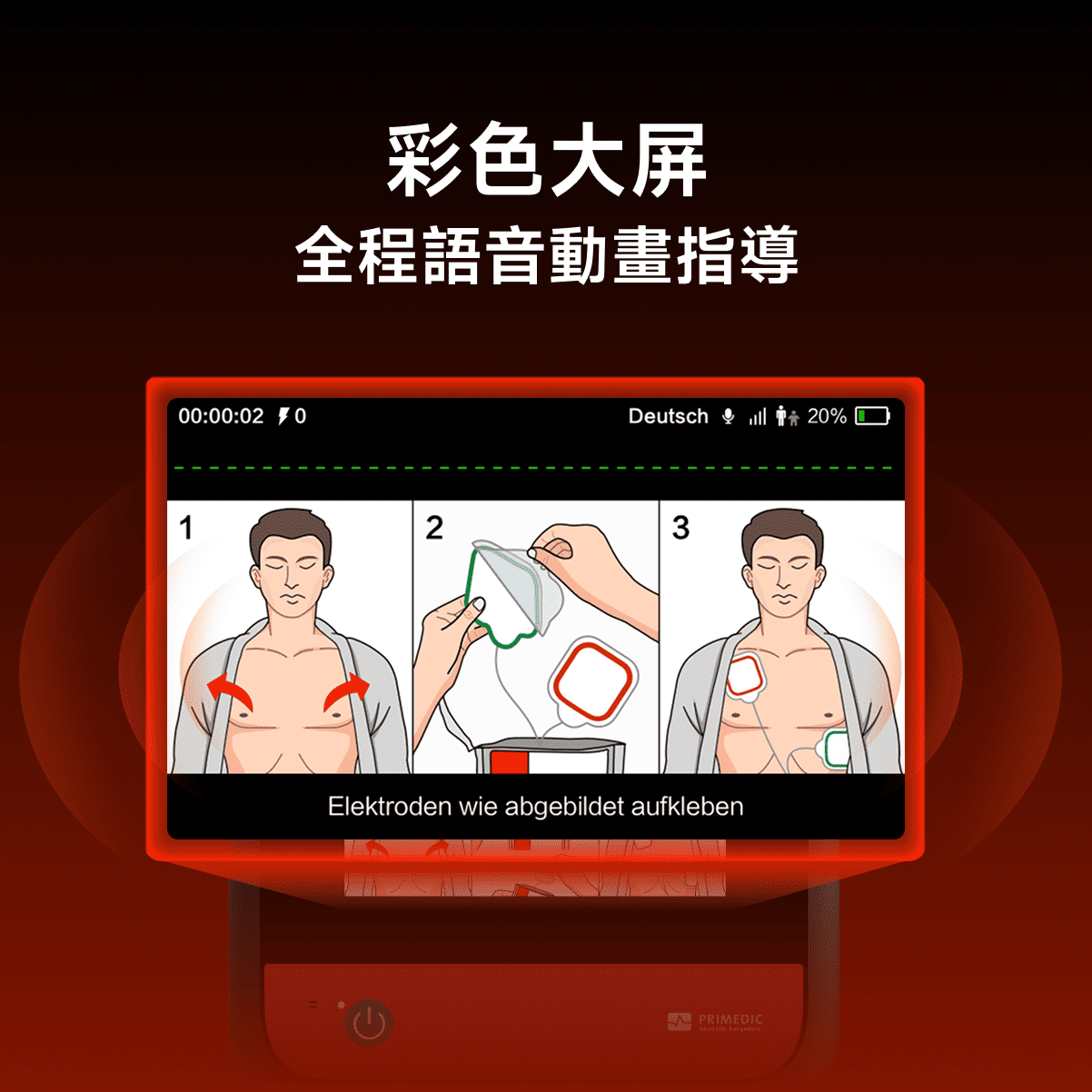
Large color screen with full voice animation guidance
The animation simultaneously displays the operation steps, power status, and network signal strength, while clearly showing the currently selected language, power-on time, and number of discharges.


Automatic self-checking and full-time protection ensure that the equipment is always available
It has an automatic self-test function to ensure that the device is in a usable state at all times, including battery insertion/power on/daily/weekly/monthly/semi-annual self-tests; it covers the main control module/battery/power supply/electrode sheet, etc.

Built-in LTE/Wi-Fi
With built-in LTE/Wi-Fi dual-mode network functionality, it enables unified management of multiple devices through a cloud platform, real-time status monitoring, rapid transmission of emergency data, and remote tracking, improving emergency response efficiency and ease of equipment maintenance, and providing reliable technical support for emergency scenarios.
Fearless of challenges
harsh environment friendly
Meet the requirements of different outdoor environments
Regarding the following issues
- Inappropriate electric shocks can trigger serious cardiac arrhythmias.
- Interference challenges in complex emergency scenarios: Device and operational artifacts (such as electrode contact noise, pacemaker pulses, and electromyography (EMG) drift caused by cardiopulmonary resuscitation (CPR)) can reduce heart rhythm recognition accuracy by more than 30%.
- Relying solely on electrocardiogram (ECG) analysis has limitations.
We propose an adaptive algorithm optimization framework (i.e., the iWave framework) .
This framework integrates electrocardiogram (ECG) and transthoracic impedance (TTI) signals for heart rhythm analysis.
Dual-path signal and heart rhythm analysis architecture
- The primary path of iWave analysis is responsible for classifying shockable rhythms, while the secondary path reconstructs and denoises the ECG signal to distinguish between genuine cardiac activity and interference artifacts.
Adaptive algorithm optimization
- iWaveReinforce combines adaptive optimization and data augmentation strategies to improve the model's ability to adapt to noise changes in emergency scenarios.
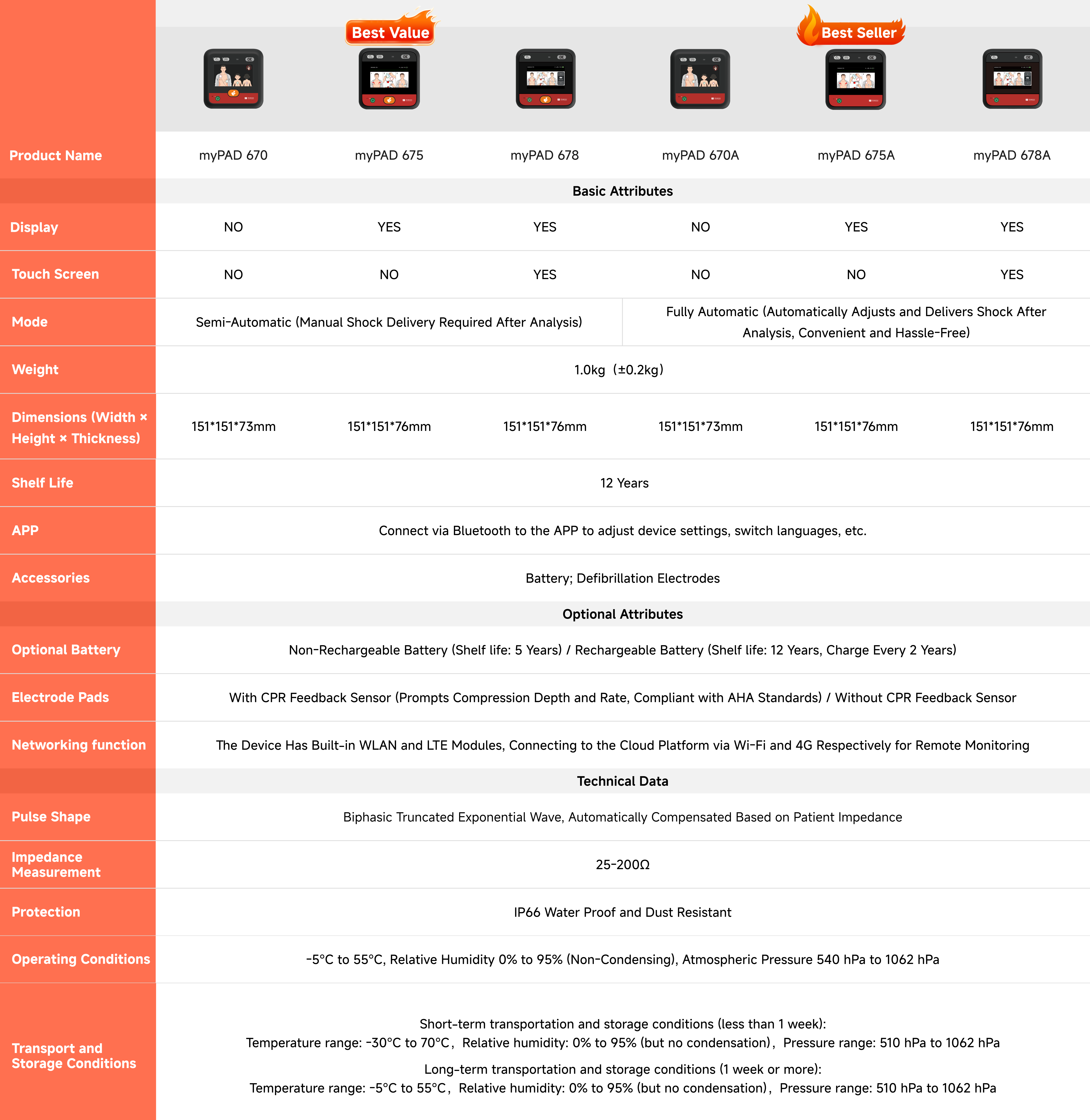
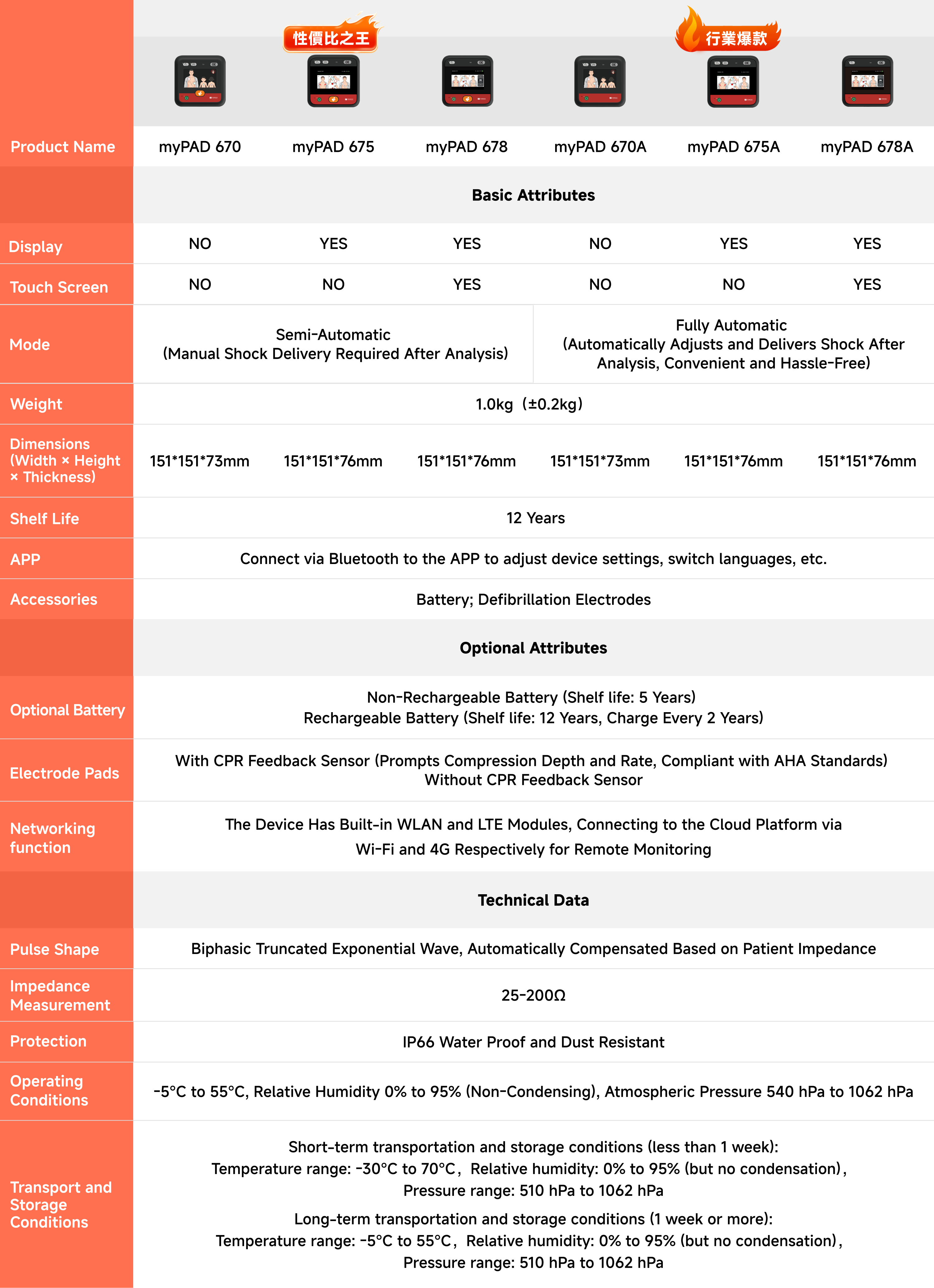
Detailed Specifications of the HeartSave myPAD-675A
HeartSave myPAD Automatic External Defibrillator
675A
151mm x 151mm x 76mm (±2mm)
1.0kg (±0.2kg)
Supports 34 languages, with the option for users to freely configure any 6 of them.
Maximum 200 joules
myPAD Shopping Guide
PRIMEDIC AED myPAD series compared to other brands


Yes
none
More intuitive
Yes
none
Smarter
Yes
none
The rescue is more intuitive
200J
150-200J
Increasing energy
5S
7-8S
Fast response
12 years
8 years
Stable
12 years
5 years
Long battery life
5 years
3-5 years
Long-lasting electrode pads
6 types
2 types
Globalization
It can store 10 hours of ECG data.
It can store 15 minutes of ECG data.
Provide a reliable basis for the connection between pre-hospital and in-hospital.care.
Yes
none
More convenient
IP66
IP55
Rescue with assurance, anywhere
German technology
Domestic
More stable
52 years
3-5 years
52 years history
none
Yes
The proof is in our performance.
To receive a complimentary set of electrode pads, simply contact our customer service and provide a photo or video documenting the rescue.
none
Outstanding Customer Service
Standard accessories
Product Recommendations
FAQs
The device does not respond when powered on/turned on (no startup prompt, screen does not light up, or beeps sound after pressing the power button).
Hello! If your AED is unresponsive when powered on, it may affect your emergency use. Please immediately follow the steps below to troubleshoot:
① Make sure the battery is installed correctly (open the battery compartment of the host and check whether the battery clip is fastened tightly and not loose or misplaced);
② Replace the backup battery (if available) and try to restart the device (note that the battery model must match the device and use a dedicated lithium battery);
③ If there is still no response, it means that there may be a hardware failure in the host or battery. Do not disassemble it yourself. Please contact the brand after-sales service immediately and replace the spare AED for emergency use to avoid affecting emergency needs.
The status display shows an "X" mark/the fault red light flashes (including details such as the red light flashing frequency and accompanying prompt sound).
Hello! If the AED displays an "X" or a flashing red light, it is a fault alarm signal and requires the following processing:
① Follow the customer service instructions to troubleshoot (if the electrode pad is not connected, reconnect it tightly; if the battery is expired, replace it). After troubleshooting, restart the device to see if the fault is eliminated.
②If the fault persists, it means the device requires professional repair. Please stop using it immediately and contact after-sales service. At the same time, record the time of the fault and the flashing frequency to facilitate after-sales service to quickly locate the problem.
Screen display/operation abnormalities (distorted screen, black screen, inverted screen, unresponsive touch screen/touch offset, affecting viewing of operation instructions)
Hello! Screen issues may affect the viewing of "electrode placement instructions" and "heart rhythm analysis results" during emergency treatment. Please address these issues based on the specific situation:
① Screen distortion/black screen: First check the battery power supply (replace the battery and restart the computer to rule out insufficient power). If the problem persists, the screen cable may be loose or damaged. Do not knock or press the screen. Contact after-sales service for a replacement.
② Screen is inverted/touch screen is not working: Enter the device's "setting mode" (some models can be entered by long pressing the "menu button", such as Jiuxin Medical AED), and try to restore the "screen display default settings" and "touch screen calibration"; if the calibration is invalid, it means that the system or touch screen hardware is faulty and after-sales service is required. During this period, a spare AED will be used instead.
The device has no sound output (missing emergency voice guidance, fault prompt tone) / abnormal sound (noise, freeze, abnormal volume)
Hello! The AED's voice instructions are crucial for first aid (e.g., "Please apply electrodes" or "Analyzing heart rhythm"). Abnormal sounds require urgent attention:
① No sound: Check if the device volume is accidentally set to "mute" (some models can be adjusted by long pressing the "volume button" and the screen will display the volume icon). If the volume is normal but there is still no sound, it may be a speaker failure;
② Abnormal sound (noise/stuttering): Restart the device first to eliminate temporary system interference. If the abnormality persists, it indicates that the speaker or audio module is faulty. In all cases, you need to stop using the device and contact after-sales service. At the same time, ensure that the backup AED sound function is normal to avoid being unable to obtain voice guidance during emergency treatment.
The appearance of the host is damaged (cracks in the shell, deformation of corners, loose interfaces, which may affect the sealing or structural stability of the device)
Hello! Damage to the AED main unit may affect the device's sealing (such as waterproofing and dustproofing) or internal structure. Please handle it with caution:
① If the damage is only scratches on the outer shell, with no loose interfaces or exposed internal parts, first check the device's self-test function (after turning it on, wait for the "Self-test passed" prompt, which is usually a solid green light). If the self-test is normal, you can temporarily use it, but you need to record the damage and contact after-sales service to replace the outer shell later.
② If the damage causes the interface to become loose (such as deformation of the electrode slot) or internal parts to be exposed, do not use the device. Immediately contact after-sales service for a safety assessment and replace it with a spare AED to avoid connection failure during emergency treatment.